
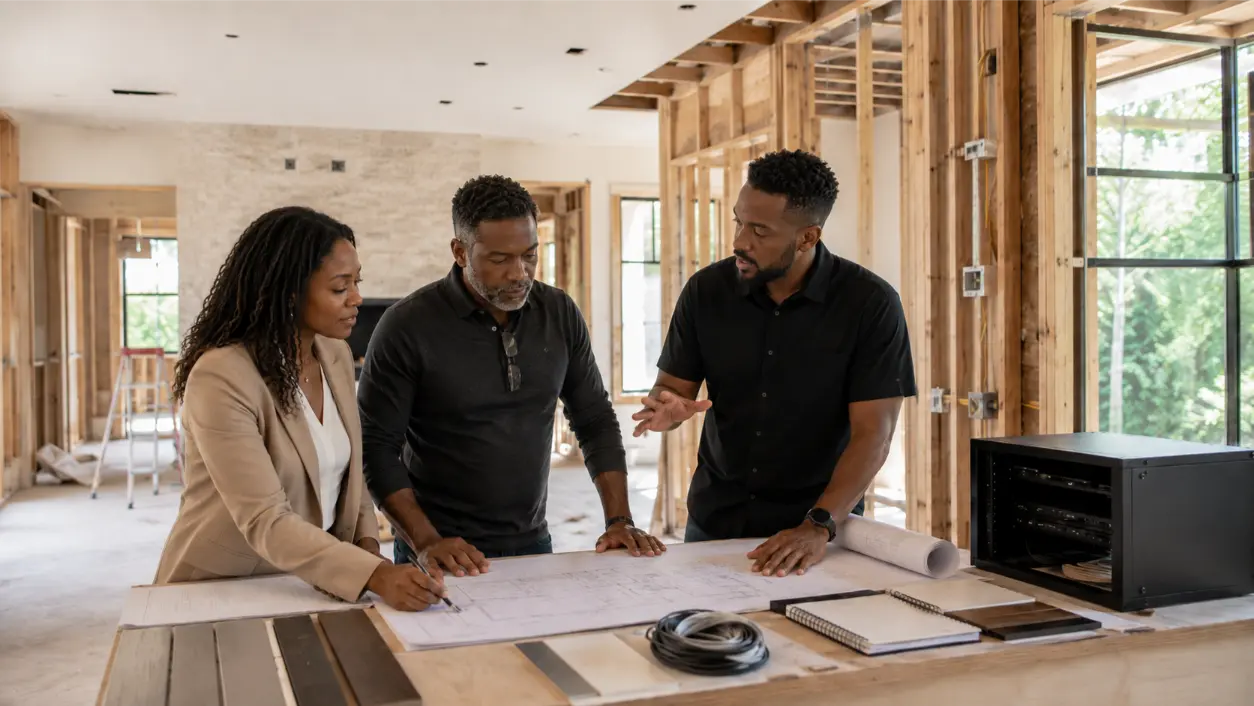
A builder grade av package can be perfectly adequate for basic television locations, a few speaker zones, and entry-level smart-home features. The problem is assuming that “AV included” means the home has been designed for the way a luxury buyer will actually use technology five or ten years later. In many custom and semi-custom homes, the default package is built to satisfy a scope and a budget at construction time. It may not include the speaker quality, structured wiring depth, network design, equipment-room planning, control integration, documentation, or upgrade pathways that a more demanding homeowner will eventually expect.
AVI Group works with Atlanta-area homeowners, builders, architects, and designers on custom home theaters, whole-home audio, automation, networking, security, and integrated AV. Its current networking approach starts with a wired backbone, Cat6/Cat6A home runs, properly placed access points, labeled terminations, and centralized equipment racks. That is a useful benchmark when evaluating what a builder package includes—and what may be expensive to add after drywall, cabinetry, stone, trim, and paint are finished.
Builder-Grade Does Not Mean Bad
A builder package usually has a different objective from a custom integration plan. The builder needs a repeatable option that can be priced, scheduled, inspected, and delivered across multiple homes. That can be valuable. It can also mean fewer choices, more standardized device locations, basic speaker models, limited wiring quantities, and less room-by-room engineering.
The right question is not, “Is the builder package good or bad?” It is, “Does this package support the homeowner’s intended lifestyle, performance expectations, and future upgrade path?”
1. Start by Separating Devices From Infrastructure
Many buyers focus first on visible hardware: TVs, speakers, touchscreens, thermostats, and smart locks. During construction, however, the more consequential decision may be the hidden infrastructure.
Displays and amplifiers can be replaced later. Speaker wire, Ethernet, conduit, rack locations, ceiling blocking, projector pathways, and low-voltage control cable are far harder to add once finishes are complete.
CEDIA’s 2026 smart-home wiring guidance emphasizes wired infrastructure, centralized home runs, Cat6/Cat6A, conduit, labeling, and documentation. It also makes a practical point that matters to developers and buyers: extra cable installed while walls are open is usually much less disruptive than reopening finished surfaces later.
2. Check the Speaker Package Beyond the Speaker Count
“Six in-ceiling speakers included” does not tell you how the system will sound. Speaker quality, placement, enclosure type, room acoustics, amplifier power, zoning, and calibration all affect the result.
Ask:
- What exact speaker models are specified?
- Are they designed primarily for background audio or critical listening?
- Who determined the locations?
- Are stereo pairs positioned as pairs, or simply spaced evenly in the ceiling?
- Are larger rooms receiving enough coverage?
- Are outdoor speakers, subwoofers, or architectural speakers part of the plan?
- What amplification is included?
- Is final tuning or calibration included?
AVI Group’s current residential positioning ranges from discreet in-ceiling speakers to more performance-oriented home-audio and theater systems. A luxury home should therefore be evaluated by the listening goal in each room rather than by a raw speaker count.
3. Look Closely at the Network Prewire
A modern luxury home may depend on the network for streaming, security cameras, automation, work-from-home use, gaming, distributed audio, video doorbells, and mobile control. A few data jacks near televisions are not the same thing as a properly designed residential network.
AVI Group’s current networking service describes a wired backbone, strategically placed Wi-Fi access points, Cat6/Cat6A runs, central racks, labeled terminations, managed switching, PoE, VLANs, outdoor Wi-Fi, and UPS/surge planning. Even if a homeowner does not need every one of those features, the comparison helps expose whether the builder package is merely providing connectivity or actually planning the network as infrastructure.
Important questions include:
- Are wireless access-point locations planned from the floor plan and construction materials?
- Are Ethernet runs home-run to one central location?
- Is there enough rack space, power, ventilation, and service access?
- Are exterior cameras and outdoor access points prewired?
- Is fiber or conduit planned between key areas where future bandwidth needs may grow?
4. Identify Wiring Shortcuts Before Walls Close
Limited prewire is one of the most expensive builder-package compromises to discover after move-in. Common limitations can include only one Ethernet run behind a television, no spare conduit, no rear-surround wiring, no subwoofer pathways, no shade power/control wiring, no ceiling access-point wiring, or no dedicated camera routes.
Those omissions may be completely reasonable for a basic package. They become a problem when the homeowner later wants a theater, motorized shades, upgraded Wi-Fi, more cameras, whole-home audio, or centralized video distribution.
During construction, ask the integrator to review room by room rather than only the current device list. CEDIA recommends additional Ethernet in important rooms, conduit for future flexibility, centralized rack locations, and documentation before walls close.
5. Ask Where the Equipment Will Live
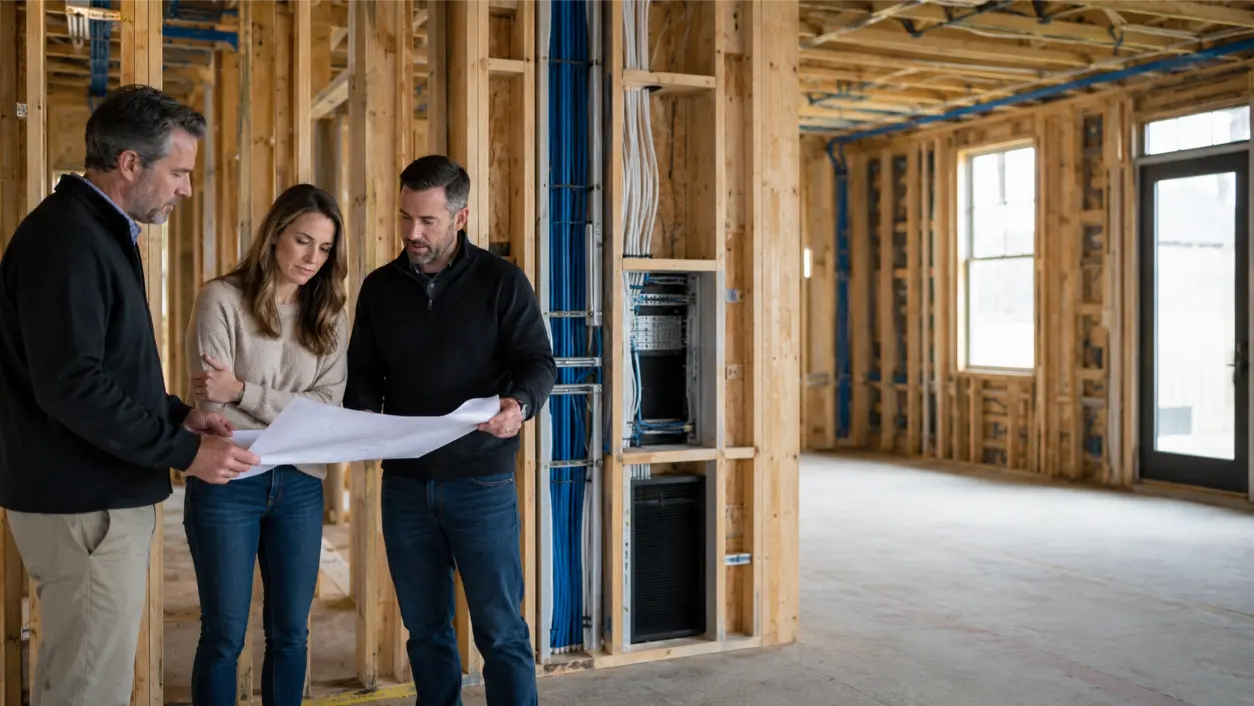
A rack location is not an afterthought. It affects cable lengths, ventilation, serviceability, noise, power, network equipment, amplifiers, controllers, recorders, and future expansion.
A builder package may terminate low-voltage wiring in a small structured-media enclosure because it is compact and easy to standardize. That may work for a simple network. A larger AV and automation system may need a ventilated rack or dedicated equipment area.
AVI Group’s networking guidance specifically calls for clean, ventilated equipment spaces with labeled terminations and service loops. If the future home may include whole-home audio, surveillance recording, multiple network switches, automation processors, or centralized AV, confirm that the planned space can actually support those systems.
6. Review the Smart-Home Package by Workflow, Not Brand Name
A package labeled “smart home” may include a thermostat, video doorbell, a few switches, and an app. A more integrated system may unify lighting, shades, climate, audio, video, and security into shared scenes and controls.
Instead of asking only which brand is included, ask what the homeowner can actually do:
- Can one scene adjust lights, shades, temperature, and AV?
- Can the homeowner use wall keypads as well as an app?
- Are guest, vacation, away, and entertainment modes available?
- Can security and door locks participate in routines where appropriate?
- Can the system expand without replacing the original backbone?
AVI Group’s current home-automation positioning is built around unified control and routines rather than disconnected devices. That is a different design target from a starter smart-home bundle.
7. Do Not Assume the Default Theater Prewire Is Theater-Ready
A room marketed as “media-ready” may simply have a television outlet and a few speaker wires. A true theater plan can require screen dimensions, projector throw, speaker angles, subwoofer locations, acoustic treatment, risers, lighting zones, equipment ventilation, control pathways, and seating geometry.
If the homeowner expects a dedicated theater later, review that room before framing and electrical decisions are locked. The costliest mistake is often not the initial speaker model; it is putting infrastructure in the wrong place.
8. Ask About Documentation
A good prewire becomes less valuable if nobody knows where the cables are. Before closing walls, request documentation appropriate to the project:
- Floor plans or low-voltage drawings.
- Wire labels at both ends.
- Rack or termination schedule.
- Photographs of open walls and ceilings.
- Conduit endpoints.
- Unused spare cable locations.
- Network and equipment notes.
CEDIA specifically recommends documenting cable paths, rack layouts, and network schemes to simplify future upgrades and service.
9. Compare the Upgrade Cost at the Right Time
A builder option can feel expensive because the buyer sees the added cost before move-in. The more useful comparison is not “upgrade now versus do nothing.” It is “upgrade the infrastructure now versus add the same capability after the house is finished.”
After completion, a retrofit may involve fishing wire through insulated walls, cutting and patching drywall, repainting, working around built-ins, using exterior pathways, moving furniture, or accepting wireless compromises. Not every future upgrade requires demolition, but infrastructure choices become more constrained after finishes are complete.
That does not mean every possible wire should be installed. It means high-value, hard-to-access pathways deserve special attention while construction is open.
10. Prioritize the Upgrades That Are Hardest to Retrofit
If the budget cannot support every premium option, prioritize permanent infrastructure first.
- Network backbone and access-point wiring.
- Central equipment/rack space with power and ventilation.
- Speaker wire in finished ceilings and difficult architectural areas.
- Camera and doorbell wiring.
- Shade power/control wiring.
- Conduit to key televisions, projector locations, detached spaces, and other difficult routes.
- Low-voltage control wiring where the automation design requires it.
- Blocking or backing for large displays and architectural speakers.
Electronics can often be upgraded later. Hidden infrastructure is where construction timing creates the biggest leverage.
11. Bring the AV Integrator Into the Design Team Early
AVI Group currently works with architects, builders, and interior designers and emphasizes coordination through drawings, installation updates, and design-focused technology integration. That kind of collaboration is most valuable before the electrical plan, ceiling details, millwork, framing, and finish selections become difficult to change.
For a luxury custom home developer, early AV coordination can also reduce change orders. The goal is not to add gadgets. It is to make technology requirements visible while the rest of the design team can still coordinate around them.
Builder-Grade AV Package Review Checklist
- Get the exact included equipment list, not just category names.
- Confirm speaker models, placement, amplification, and intended use.
- Review Ethernet, fiber, coax, control, and speaker-cable quantities room by room.
- Verify planned Wi-Fi access-point locations.
- Confirm all low-voltage runs home-run to a serviceable central location.
- Review rack size, ventilation, power, surge protection, and expansion space.
- Identify future camera, shade, theater, outdoor, and office needs.
- Add conduit to difficult-to-access future routes where appropriate.
- Review smart-home functionality as workflows, not just device brands.
- Confirm theater/media-room geometry before rough-in.
- Require cable labeling and useful pre-drywall documentation.
- Photograph wiring before insulation and drywall.
- Compare the cost of prewire upgrades with the disruption of a future retrofit.
- Have the homeowner, builder, and AV integrator complete a pre-drywall walkthrough.
Frequently Asked Questions
What Is Usually Included in a Builder AV Package?
There is no universal package. Common inclusions can range from basic TV and data outlets to in-ceiling speakers, doorbells, thermostats, security devices, or starter automation. Ask for the exact equipment, wiring, locations, labor scope, programming, and documentation rather than relying on the package name.
Why Is Builder Prewire Sometimes Limited?
Builder packages are often standardized to control schedule, scope, and cost. That can mean fewer cable runs, limited speaker zones, basic network coverage, and little spare infrastructure. The limitation only becomes a problem when the homeowner’s future technology expectations exceed the original scope.
Should I Upgrade the Builder Speaker Package?
Upgrade decisions should depend on the room and listening goal. Background-audio areas may not need the same speakers as a theater, great room, or dedicated listening space. Review speaker quality, placement, amplification, and calibration together rather than comparing speaker price alone.
What AV Upgrades Are Best to Do Before Drywall?
Prioritize difficult-to-retrofit infrastructure: network cabling, access-point runs, speaker wire, camera routes, shade wiring, conduit, equipment-rack planning, and any control cable required by the final system design.
Can I Upgrade the Electronics Later?
Often, yes. Displays, amplifiers, streaming devices, speakers, and controllers can frequently be changed later if the wiring, power, network, physical space, and mounting infrastructure were planned correctly. That is why the hidden layer deserves so much attention during construction.
Build the Infrastructure for the Home You Expect to Own
A builder-grade AV package can be a useful starting point, but it should not automatically become the final technology plan for a luxury custom home. The most important review happens before walls close: confirm the wiring, network, rack, speaker locations, control pathways, and documentation that will determine what the home can support later.
AVI Group works with homeowners, architects, builders, and designers on integrated AV, smart-home, theater, and structured networking and Wi-Fi across the Atlanta area. Developers and homeowners evaluating a default technology package can review AVI Group’s builder and design partnerships or book a free consultation before rough-in decisions become finished-wall problems.
Technical, construction, and electrical disclaimer: This article provides general planning information and is not electrical, building-code, structural, cybersecurity, or engineering advice. Cable types, conduit, mounting, power, ventilation, firestopping, surge protection, network design, and low-voltage installation requirements vary by project, equipment, manufacturer, and jurisdiction. Coordinate final plans with qualified AV, low-voltage, electrical, construction, and design professionals.
RELATED LINK: CEDIA — The Ultimate Smart Home Wiring Guide