
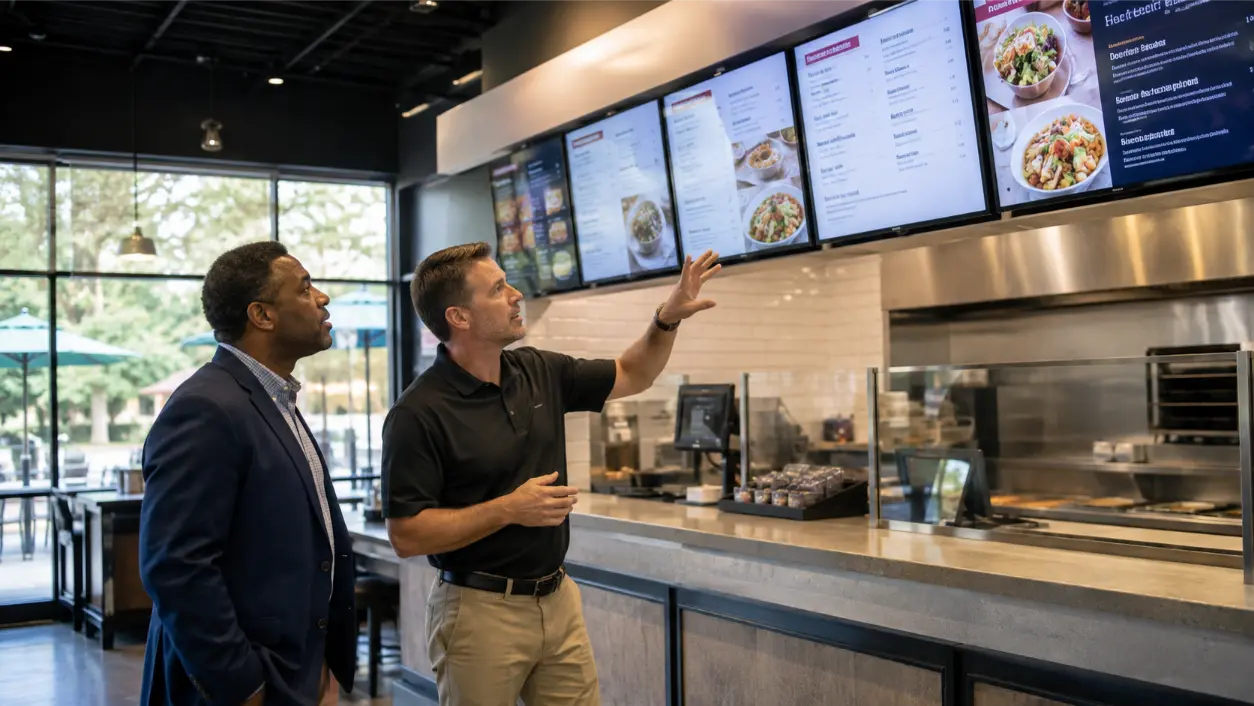
Digital menu board glare is rarely just a “screen brightness” problem. A restaurant display can be technically bright and still become difficult to read when sunlight hits the glass, overhead fixtures reflect across the screen, the menu is mounted too high, customers view it from an angle, or the content uses small type and low-contrast colors. Before replacing displays, hospitality operators should look at the entire viewing environment: where the light comes from, where guests stand, how far away they read, and how much information the screen is trying to show at once.
AVI Group provides commercial AV solutions for Atlanta-area businesses, including digital signage for restaurants and hospitality environments. Its current commercial positioning emphasizes standardized systems, reliable displays, remote management, and coordinated AV design. For restaurants with menu boards that look washed out during lunch but fine after dark, that systems approach matters because the fix may involve placement, lighting, content, or control settings—not simply buying a different television.
Why A Screen Can Look Bright But Still Be Unreadable
Readability is the result of contrast at the viewer’s eye. If the brightest part of the room is a window behind the customer, reflected daylight can overpower dark text, muted colors, or glossy screen surfaces. If the board is mounted near a ceiling light, a reflection may cross the exact area where prices or modifiers appear. If the screen is tilted incorrectly, one part of the menu may look clear while another washes out.
ADA design standards note that surface glare and lighting conditions affect how easily text can be distinguished from its background. Those standards are written for covered visual signs and should not be treated as a universal menu-board specification, but the underlying design lesson is useful: glare, viewing distance, character form, and contrast all affect legibility.
Diagnose The Environment Before Replacing The Display
When operators complain that the menu is unreadable, the first instinct is often to increase brightness or replace the screen. Start with a site observation instead.
- Look at the boards during the busiest daylight period.
- Stand where customers actually queue.
- Check the display from the left, center, and right side of the line.
- Note windows, glass doors, skylights, pendant lights, and polished surfaces.
- Compare the screen when the sun is direct, indirect, and fully shaded.
- Identify whether the problem affects the whole display or only certain content areas.
A board that is unreadable only between 11:30 a.m. and 2:00 p.m. probably has a different problem from a board that looks dull all day.
1. Map Direct Sun And Reflected Light
Sunlight changes throughout the day and throughout the year. A screen that is clear in the morning can become difficult to read when afternoon sun moves across the front windows.
Document the direction of the windows relative to the menu wall. Look for reflections from white countertops, stainless-steel equipment, glossy tile, glass partitions, and polished floors. The display may not be receiving direct sun; it may be reflecting a bright surface behind the customer.
If the problem is environmental, options can include changing the mounting angle, relocating the display, using appropriate window treatment, adjusting nearby lighting, or selecting commercial signage displays designed for the actual ambient-light level. The correct choice depends on the restaurant architecture and operating hours.
2. Fix Viewing Angle And Mounting Geometry
A menu board should be designed around the customer’s sightline, not around the easiest place to attach a mount. Mounting too high can force customers to look up at a steep angle, which can increase reflections and reduce comfortable reading time. Mounting too low can create obstructions from people in the queue or fixtures at the counter.
Use the actual ordering line to establish:
- Typical viewing distance.
- Eye height for standing customers.
- Whether guests read while moving or while stopped.
- Whether the board needs to serve one line or several approach angles.
- Whether hanging lights, shelving, or architectural features interrupt the view.
AVI Group’s commercial AV approach emphasizes display placement, sightlines, tested signal paths, standardized interfaces, and clean installation. Those same principles apply to menu boards: geometry should be solved before content is finalized.
3. Choose Brightness For The Actual Environment
Brightness matters, but there is no responsible universal brightness number for every restaurant. A shaded interior wall, a counter facing floor-to-ceiling windows, and a drive-through-facing display can require very different hardware.
Rather than specifying a screen from a catalog alone, evaluate it against the ambient light at the installation location. Commercial signage products may offer higher brightness, anti-reflective treatments, scheduling controls, and thermal designs intended for longer operating hours. The display must also be appropriate for its duty cycle and mounting environment.
Avoid running every display at maximum output all day simply because daylight is a problem for two hours. Where supported, scheduled brightness profiles or environmental controls can make the system more appropriate for changing conditions.
4. Use High-Contrast Content
A technically good display can still fail because of poor menu design. Text should stand out clearly from its background. Digital.gov accessibility guidance recommends choosing typography that is legible, using sufficient color contrast, limiting unnecessary typeface variation, and making sure text remains readable across screens and viewing conditions.
For restaurant menu boards:
- Use strong contrast between item names, descriptions, and backgrounds.
- Avoid placing critical text over busy food photography.
- Use decorative typefaces sparingly.
- Keep price formatting consistent.
- Use hierarchy so customers can scan categories quickly.
- Do not rely on subtle color differences alone to separate important information.
If the menu becomes readable only after switching to a high-contrast test slide, the screen may not be the primary problem.
5. Size Type For Real Viewing Distance
Menu-board font size should be chosen from the customer’s viewing distance, not from how the design looks on a laptop. A designer working one foot from a monitor can create type that looks elegant on screen but is too small from the queue.
ADA standards for covered visual characters increase minimum character height as viewing distance increases. Again, those exact dimensions should not automatically be applied to every restaurant digital menu board, but the principle is valuable: farther viewing distance requires larger characters.
Test the menu at full size on the installed display. Stand at the farthest realistic ordering position and ask whether item names, key modifiers, and prices can be read quickly without leaning forward or squinting.
6. Reduce Menu Density
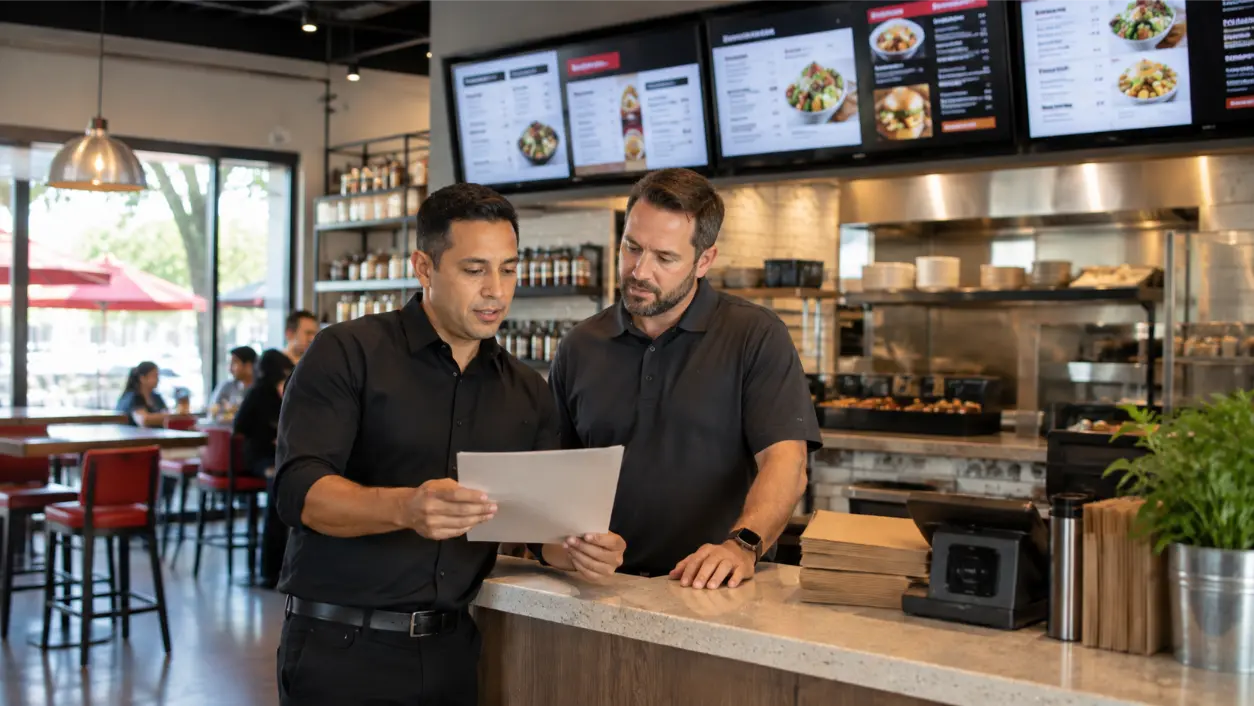
Restaurants often make digital boards unreadable by trying to fit the entire menu on one screen. Digital signage creates more flexibility than printed boards, but that flexibility should not become visual clutter.
Instead of shrinking text to preserve every line:
- Group items into clear categories.
- Move low-priority details to a secondary screen or printed handout.
- Use rotating promotional areas without moving core ordering information.
- Keep descriptions short when customers are standing in line.
- Use separate daypart layouts rather than showing breakfast and dinner simultaneously.
The goal is fast decision-making. A restaurant menu is an operational interface, not a digital poster.
7. Control Reflections From Windows And Lighting
Sometimes the most effective signage improvement happens somewhere other than the screen. Pendant fixtures may be aimed directly at glossy displays. Windows behind the queue can create strong reflected images. A bright decorative fixture can sit exactly at the customer’s viewing angle.
Possible design responses include repositioning fixtures, changing beam direction, adjusting the screen angle, using appropriate shades or window treatments, or relocating a board away from the reflection path. Do not add film, coatings, or coverings to a display unless the manufacturer and AV integrator confirm compatibility with heat, image quality, warranty, and ventilation requirements.
8. Test At Peak Daylight, Not After Closing
Installers and restaurant managers often commission systems before opening or after close, when the space is darker and emptier than it will be during service. A menu that looks perfect at 7:00 a.m. may fail during the lunch rush.
Commission the display under the conditions that create the problem:
- Load the real menu content.
- Turn on normal restaurant lighting.
- Observe the screen during peak daylight.
- Stand at multiple queue positions.
- Check reflections, contrast, type size, and color.
- Adjust content and display settings together.
If the restaurant has seasonal sun exposure, document the settings and be prepared to revisit them as conditions change.
9. Build Remote Management Into The System
Digital signage is easier to operate when content and device status can be managed centrally. AVI Group’s commercial AV positioning includes standardized systems and remote management for business environments.
For multi-screen restaurants or multiple locations, remote management can help operators:
- Update daypart menus.
- Replace expired promotions.
- Standardize layouts across locations.
- Check whether a display or player is offline.
- Apply approved changes without opening the wall or visiting every site.
Remote management does not fix glare by itself, but it makes brightness schedules, content revisions, and troubleshooting easier to maintain after installation.
10. Troubleshoot Washed-Out Menu Boards In Order
When a board looks faded or unreadable, use a controlled sequence instead of changing several things at once.
- Clean and inspect the display surface. Confirm there is no protective film, residue, or damage affecting the image.
- Load a high-contrast test slide. If the test is readable, content design may be the main issue.
- Check viewing angle. Move through the customer queue and identify where the image degrades.
- Check reflections. Look for windows, lights, counters, and architectural surfaces reflected in the glass.
- Review brightness and picture settings. Confirm the display is in the intended signage mode and that schedules are correct.
- Test at peak daylight. Do not judge the fix only at night.
- Review hardware suitability. If the environment exceeds what the current display was designed to handle, evaluate a commercial signage replacement appropriate to the location.
Restaurant Digital Menu Board Checklist
- Observe the menu boards during the brightest operating period.
- Map direct sunlight and reflected light.
- Stand at the actual customer queue positions.
- Check mounting height and viewing angle.
- Verify the display is appropriate for the ambient-light environment.
- Use high-contrast menu layouts.
- Test type size from the farthest normal viewing position.
- Reduce menu density before shrinking text.
- Keep critical information off busy photo backgrounds.
- Review nearby lighting and reflective finishes.
- Test real content at peak daylight.
- Document brightness and content settings.
- Use remote management where appropriate.
- Recheck the system when seasonal sunlight changes.
Frequently Asked Questions
Why Does My Digital Menu Board Look Washed Out During The Day?
Common causes include direct or reflected sunlight, a display that is not suited to the ambient-light level, poor viewing angle, glossy reflections, low-contrast content, or brightness settings that do not match the environment. Diagnose the room before assuming the screen has failed.
Will A Brighter Screen Fix Digital Menu Board Glare?
Sometimes, but not always. A brighter commercial display may help in high-ambient-light environments, but reflected light, mounting angle, window exposure, and low-contrast content can remain problematic. The display and the environment should be evaluated together.
How High Should Restaurant Digital Menu Boards Be Mounted?
There is no single correct height for every restaurant. Mounting should account for viewing distance, customer eye level, queue layout, obstructions, screen size, and viewing angle. Test the proposed location from the actual ordering positions before final installation.
What Font Size Should I Use On A Digital Menu Board?
Choose type based on the installed screen and real viewing distance. Avoid selecting font size from a desktop design preview. Test full-size content from the farthest normal ordering position and increase character size when customers are expected to read from farther away.
Should Restaurants Use Consumer TVs For Digital Menu Boards?
The answer depends on operating hours, brightness requirements, orientation, thermal conditions, warranty, management needs, and the installation environment. Commercial signage displays may offer features intended for extended operation and centralized management. An AV integrator can help match the hardware to the actual restaurant conditions.
Design The Menu Around The Room, Not Just The Screen
A readable digital menu board is the result of several decisions working together: the right display for the ambient light, a sensible mounting angle, controlled reflections, clear typography, strong contrast, realistic content density, and testing during the hours when customers actually order. Replacing a screen without solving those variables can leave the restaurant with the same readability problem on newer hardware.
AVI Group provides commercial AV solutions for Atlanta-area restaurants and businesses, including digital signage, displays, control, background music, paging, standardized interfaces, and remote management. Restaurant operators dealing with unreadable menu boards can book a free consultation with AVI Group to evaluate display placement, ambient light, mounting, content delivery, control, and the broader commercial AV system.
Technical and accessibility disclaimer: This article provides general planning information and is not accessibility, ADA, electrical, building-code, manufacturer, or display-engineering advice. Applicable accessibility requirements depend on the type of information, installation, jurisdiction, and business context. Display brightness, mounting, thermal management, power, content design, and accessibility should be reviewed for the specific restaurant and equipment by qualified professionals.
RELATED LINK: ADA.gov — 2010 ADA Standards for Accessible Design