
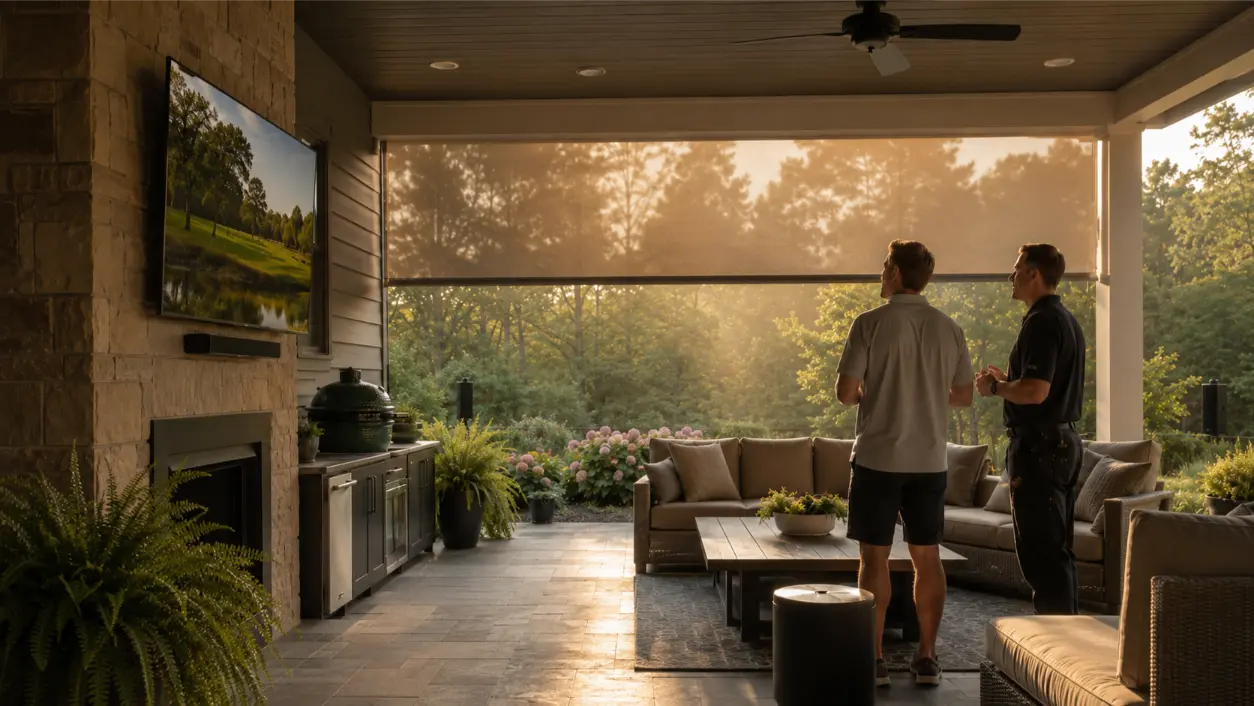
If a patio system looked great in spring but struggled after one Georgia summer, outdoor tv humidity heat is a useful place to start the diagnosis. Outdoor AV has to handle more than rain. Sun exposure, radiant heat from walls and roofs, humidity, condensation, insects, pollen, storms, UV, and long cable runs can all stress displays, speakers, connections, networking, and power. The fix is usually not one waterproof cover. It is designing the entire system for the environment.
AVI Group’s outdoor solutions work in Metro Atlanta is built around those variables: weatherproof displays, landscape and patio audio, outdoor Wi-Fi, glare control, cable protection, drainage and ventilation, motorized shades, surge protection, and equipment enclosures. For a homeowner replacing a setup that failed quickly, the goal should be to identify what was actually exposed and then rebuild each layer for outdoor use.
Why a Covered Patio Is Still an Outdoor Environment
A roof helps, but it does not turn a patio into a climate-controlled room. Wind-driven rain, humid air, pollen, dust, insects, and condensation can still reach equipment, while walls and dark roof surfaces can create a hotter microclimate around a display.
That is why outdoor-rated products matter even when the display is under a porch. Ratings and approved installation conditions vary by model, so read the manufacturer’s documentation for the exact location. As one current example, Samsung says its Terrace outdoor TV carries an IP55 rating and is designed to withstand heat up to 122 degrees Fahrenheit. That does not make IP55 or 122 degrees a universal target for every product; it illustrates why a purpose-built outdoor display comes with environmental specifications that should be checked before installation.
Failure Point 1: Using an Indoor TV Outside
The most expensive shortcut is often the simplest: putting an indoor television on a patio because the space is covered. An indoor TV may work for a while, but its enclosure, vents, connections, panel, and operating limits were not necessarily designed for long-term outdoor exposure.
When replacing a failed screen, match the display to the actual exposure zone:
- Full shade: protected from direct sun but still exposed to outdoor temperature, humidity, dust, and insects.
- Partial sun: receives periods of direct or strong reflected light and usually needs more brightness and heat consideration.
- High-sun exposure: requires a display specifically approved for that level of sunlight and heat.
Do not assume a brighter indoor TV is an outdoor TV. Brightness, weather resistance, thermal design, and approved mounting environment are separate specifications.
Failure Point 2: Heat Trapped Behind the Display
A television can be weather-rated and still be installed badly. Tight recesses, decorative boxes, cabinetry, stone surrounds, and low-clearance mounts can trap heat around the display or any nearby source equipment. Outdoor heat problems often get worse when airflow is restricted.
Plan for the ventilation clearances required by the manufacturer. If equipment lives in an enclosure, the enclosure needs to manage both weather and heat rather than simply sealing everything inside. AVI’s outdoor design guidance specifically calls out drainage and ventilation for outdoor equipment longevity.
Shade also matters for comfort and thermal load. A motorized patio shade can reduce glare and direct solar exposure at certain times of day, but it should be coordinated with wind conditions, sightlines, and the display’s approved installation conditions.
Failure Point 3: Mounting for the Wall, Not the Sun
On an indoor wall, the best TV location is often obvious. Outside, orientation can matter as much as screen size. A display facing an open western sky can become difficult to watch late in the day even if it is very bright. Reflections from a pool, pale stone, windows, or neighboring walls can create additional glare.
Before mounting, check the patio at the times you expect to watch most often. For sports, that may be afternoons. For movies, it may be near sunset. A professional design can use screen placement, viewing angle, overhead structure, landscaping, and motorized shades to reduce glare before asking the TV to overpower it.
AVI’s outdoor AV service specifies displays for sun, partial sun, or shade and pairs them with screen and shade planning where appropriate.
Does an Outdoor TV Need a Cover?
A cover can add protection from dust, pollen, overnight moisture, and debris when the television is not in use, but it is not a substitute for using a display approved for the location. Some manufacturers offer covers specifically designed for their outdoor models. If you use one, follow the TV manufacturer’s instructions and make sure the screen is cool and dry enough to be covered as directed.
A cover also cannot fix an unprotected outlet, indoor-rated cable, poor drainage, or a mounting location that exceeds the display’s environmental limits. Treat it as one protective layer, not the whole weather strategy.
Failure Point 4: Indoor-Rated Speakers in a Humid Outdoor Zone
Outdoor speakers need more than a grille that can get wet. Materials, seals, mounting hardware, terminals, UV resistance, drainage, and internal construction all matter. Current outdoor speaker lines from manufacturers such as Sonance and Bowers & Wilkins publish weather-resistance features specifically for moisture, UV, and outdoor exposure.
Choose speakers by location. A soffit-mounted speaker, a wall speaker under a roof, a landscape satellite, and an in-ground subwoofer face different exposure. Look for manufacturer documentation that matches the intended installation rather than assuming every product labeled “outdoor” has the same protection.
AVI’s speaker design services include outdoor and architectural applications, while its outdoor systems use landscape speakers and buried subwoofers to spread sound more evenly across patios and yards.
Failure Point 5: Connections and Cable That Were Never Meant to Stay Outside
Many outdoor audio failures are connection failures. Moisture can reach poorly protected terminations, UV can degrade unsuitable jackets, and landscape work can damage shallow or exposed cable. A system may then become intermittent long before the speakers themselves fail.
UL’s wire and cable guidance distinguishes products evaluated for wet locations, outdoor use, and sunlight resistance. Those markings matter. Cable routing should also protect the wiring from landscaping tools, standing water, sharp edges, pests, and physical damage. Where conduit, burial depth, boxes, fittings, or line-voltage work is involved, the installation should follow applicable electrical and building requirements.
Do not treat an indoor patch cable, temporary extension cord, or open connection as a permanent outdoor wiring method. The U.S. Consumer Product Safety Commission warns that extension cords lacking appropriate safety characteristics can create shock or fire hazards; outdoor cords require construction suitable for outdoor use.
Failure Point 6: Power Protection That Stops at the Indoor Rack
Outdoor electronics sit closer to weather exposure and often use long cable runs. Design the complete power path with the weather-resistant receptacles, covers, ground-fault protection, and surge protection appropriate to the installation.
Outdoor electrical work is not the place for improvised adapters or exposed connections. Use a qualified electrician when line-voltage changes are required and follow current code and manufacturer instructions. AVI’s outdoor solutions include weather and power protection as part of the system design rather than treating it as an afterthought.
Why Outdoor Audio Keeps Cutting Out
If the speakers play normally and then disappear, do not immediately replace them. Intermittent outdoor audio can come from several parts of the chain:
- Wi-Fi or network coverage that weakens at the patio.
- A streaming device or control processor losing network connection.
- An amplifier running too hot or being pushed beyond the intended load.
- Moisture, corrosion, or a loose termination in the speaker path.
- Damaged landscape cable or a connection affected by irrigation or yard work.
- Power interruptions or a protective device tripping.
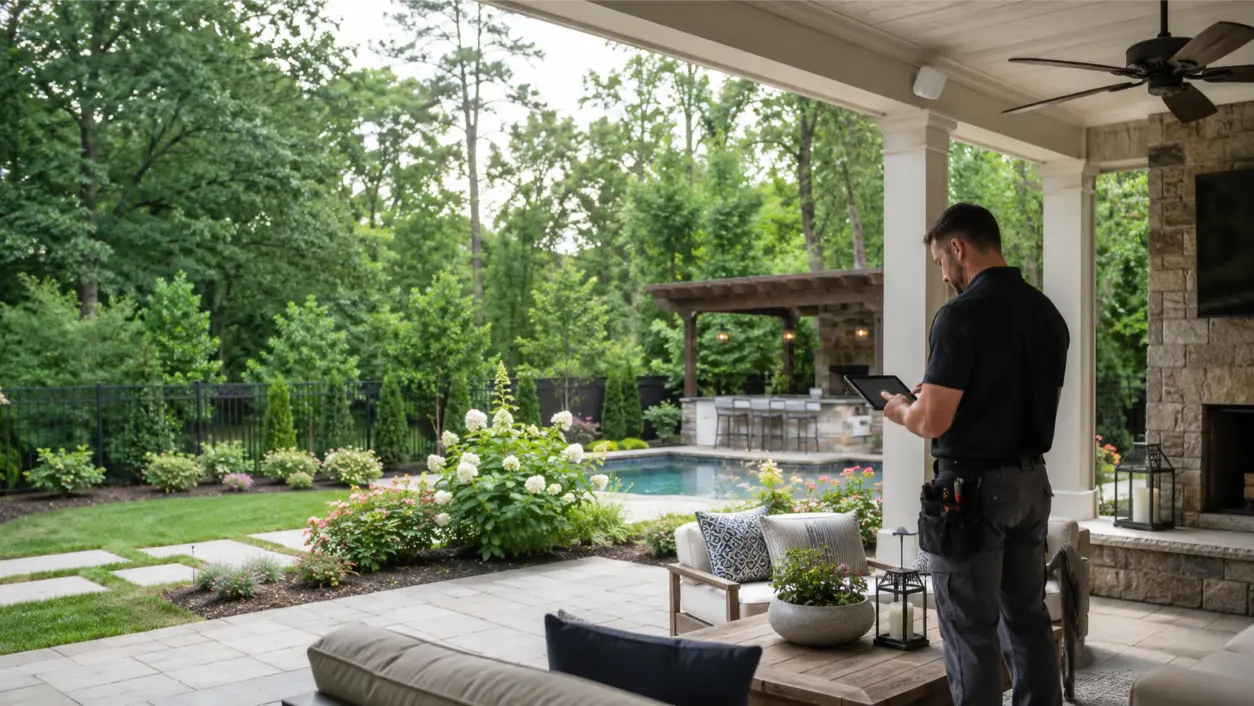
Start by identifying whether the failure affects one speaker, one audio zone, all outdoor zones, or the entire system. That narrows the problem to the speaker/cable branch, amplification, networking, control, or power. AVI’s outdoor systems include weather-rated outdoor Wi-Fi access points because reliable streaming and control depend on extending the network into the yard rather than hoping the indoor access point reaches far enough.
What to Inspect After a Patio System Fails
- Confirm every model and rating. Identify the exact TV, speakers, mounts, enclosures, cable, network hardware, and power components.
- Map exposure. Note direct sun, reflected sun, wind-driven rain, sprinkler paths, roof runoff, pool splash, and areas where humid air is trapped.
- Inspect heat management. Check clearances around displays, amplifiers, streaming devices, and weatherproof enclosures.
- Inspect every termination. Look for corrosion, water entry, loose fittings, damaged jackets, and unsealed transitions.
- Test the network at the patio. Check the actual outdoor listening and viewing areas rather than measuring only near the house.
- Test each audio zone separately. Determine whether dropouts follow one speaker run, one amplifier channel, or the network source.
- Review power and surge protection. Have outdoor receptacles and any line-voltage work evaluated by a qualified professional where needed.
- Reconsider placement before replacing hardware. A better display location, shade, airflow, speaker layout, or cable route may matter as much as the new equipment.
A Better Georgia Patio AV Design Checklist
- Use a display rated for the actual sun and weather exposure.
- Maintain required ventilation and mounting clearances.
- Use shade and screen placement to reduce glare rather than relying only on brightness.
- Choose outdoor speakers whose published environmental rating fits the mounting location.
- Use cable and connections evaluated for the outdoor, wet, or sunlight conditions they will encounter.
- Protect equipment from runoff, irrigation, pool splash, insects, and physical damage.
- Extend Wi-Fi outdoors when streaming or app control depends on it.
- Design outdoor power, GFCI protection, covers, and surge protection correctly.
- Keep source gear and amplification in an appropriate environment whenever the design allows.
- Document cable routes and system components for future service.
When to Bring in an Outdoor AV Integrator
If the previous setup failed after one season, replacing parts one at a time can repeat the same design mistake. A system-level review is more useful when the patio combines TV, audio, outdoor Wi-Fi, shades, automation, or pool-area equipment.
AVI Group designs outdoor entertainment systems in Atlanta around the space, sun angle, weather exposure, sound coverage, network, power, and control experience. Homeowners can also review AVI’s outdoor entertainment portfolio and book a free consultation to discuss a patio upgrade or replacement system.
Frequently Asked Questions
Can I put a regular indoor TV on a covered patio?
A covered patio still exposes equipment to outdoor temperatures, humidity, dust, insects, and potentially wind-driven moisture. Use a display whose manufacturer approves the exact outdoor location rather than assuming the roof makes an indoor TV suitable.
Does an outdoor TV need a cover in Georgia?
A compatible cover can add protection when the TV is not in use, but it does not replace an outdoor-rated display or correct installation. Follow the display manufacturer’s instructions for covers, ventilation, and operating conditions.
What are the best outdoor speakers for a humid climate?
Look for models whose manufacturer specifically rates the speaker for the planned outdoor exposure, including moisture and UV where relevant. The best choice also depends on mounting location, coverage area, listening level, landscaping, and how close the speakers are to rain, irrigation, pools, or direct sun.
How can I reduce glare on a patio TV?
Start with placement. Evaluate sun angle and reflections at the times you normally watch, then consider a display designed for that exposure, a different wall, deeper shade, landscaping, or motorized patio shades. Glare control should be part of the layout rather than only a brightness setting.
Why does my outdoor audio keep cutting out?
Intermittent audio can originate in the network, amplifier, power, speaker cable, connections, or speakers. Note whether the problem affects one speaker or the whole zone and whether it occurs during heat, rain, or heavy network use; that pattern helps isolate the cause.
What kind of wiring should be used for outdoor speakers?
Use cable and installation methods evaluated for the actual environment. UL guidance distinguishes wet-location, outdoor-use, and sunlight-resistant cable markings. Permanent routing, burial, conduit, boxes, fittings, and line-voltage work should meet applicable code and manufacturer requirements.
This article provides general outdoor AV planning and safety information. Equipment ratings, mounting requirements, electrical rules, cable requirements, and environmental limits vary by product and installation. Follow manufacturer instructions and applicable codes, and use qualified AV and electrical professionals where appropriate. No outdoor installation is guaranteed to be failure-proof.
RELATED LINK: UL Solutions — Wire and Cable Application Guide