
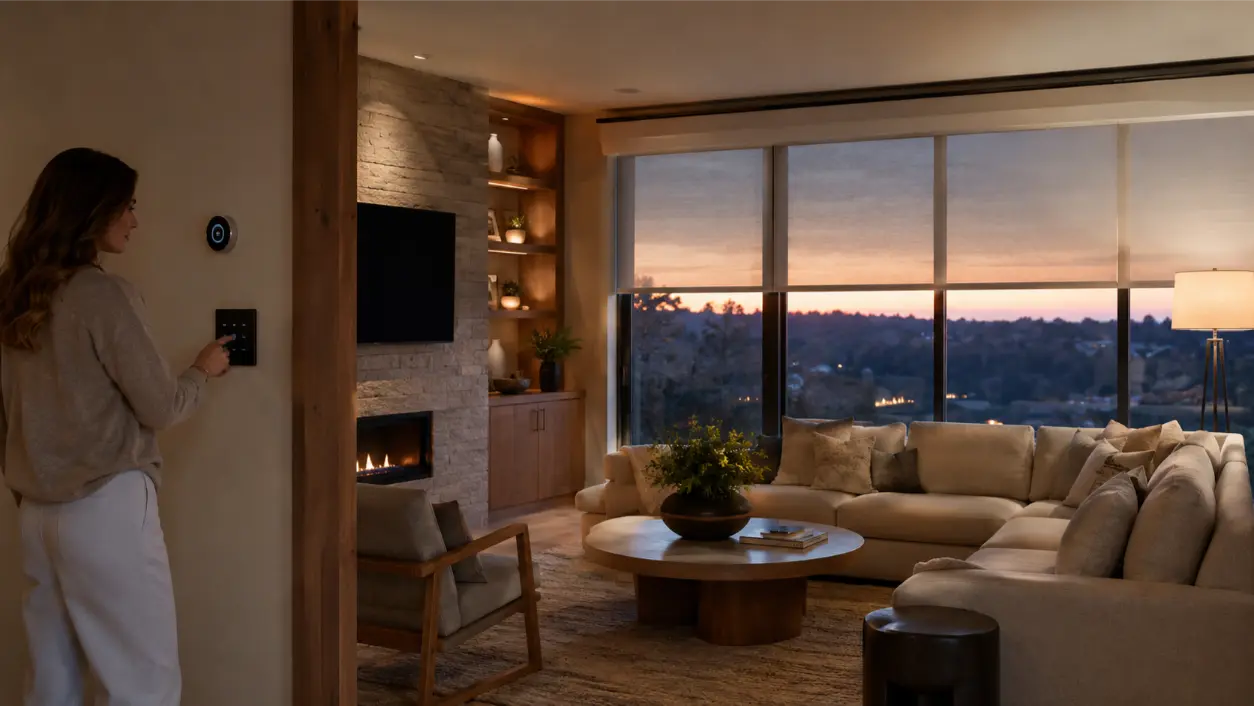
If you want to integrate lighting shades thermostat controls into one smart-home routine, start with the moments you repeat every day—not with a list of devices. A useful routine should turn several small adjustments into one simple action: lights change to the right level, shades move for privacy or daylight, and the thermostat shifts toward the temperature you want for that part of the day. The result is less app-switching and fewer manual changes, while you still keep the ability to override individual settings when needed.
For Atlanta-area homeowners, this kind of coordination is the practical value of a professionally planned home automation system. AVI Group describes its approach as unifying lighting, shades, climate, audio, video, and security into a single interface built around daily routines. The important design question is not “How many things can be automated?” It is “Which actions should happen together, and under what conditions?”
Think in Routines, Not Individual Devices
A home with smart lighting, motorized shades, and a connected thermostat can still feel fragmented if each system lives in its own app. Integration becomes useful when one scene or trigger coordinates those systems around a real-life moment.
ENERGY STAR’s Smart Home Energy Management Systems program recognizes the same general concept: connected platforms can coordinate schedules, occupancy-based actions, lighting, and thermostat control from a common system. That does not mean every home needs an ENERGY STAR-certified platform, but it illustrates why coordinated rules can be more practical than isolated device schedules.
A strong routine usually has four parts:
- Trigger: What starts it—time, sunrise/sunset, a button press, occupancy, or an alarm state.
- Lighting response: Which zones turn on, off, or dim.
- Shade response: Which window coverings open, close, or move to a preset position.
- Climate response: What temperature target, HVAC mode, or occupancy setting should apply.
Keeping those four parts explicit makes routines easier to understand, test, and change later.
Routine 1: A Morning Scene That Uses Daylight First
A morning routine can begin before anyone touches a wall switch. The goal is to create a gradual transition from nighttime settings to a comfortable daytime environment.
What the Morning Routine Can Do
- Raise selected bedroom or living-area shades at a chosen time or after sunrise.
- Bring pathway and task lighting to a low level, then reduce electric light where daylight is sufficient.
- Move the thermostat from an overnight setting toward the household’s daytime comfort target.
- Leave bedrooms, nurseries, or guest rooms on different schedules where needed.
The shade portion should account for window orientation and glare rather than simply opening every shade at once. The U.S. Department of Energy notes that daylight and solar heat gain vary with window orientation, glazing, climate, and building design. In practice, east-facing rooms may need a different morning shade position than north-facing rooms.
AVI Group’s motorized shades service is designed around this kind of coordinated control, with scheduled scenes for privacy, glare management, and daily routines. A professional integrator can also keep manual keypad or app control available so the homeowner is never locked into the automation.
Routine 2: One “Away” Button That Changes the House
One of the most practical use cases is a single Away action that coordinates multiple systems. Instead of walking room to room turning off lights, closing shades, and changing the thermostat, one button can initiate a defined departure routine.
A Practical Away Mode
- Turn off or reduce nonessential interior lighting.
- Place selected shades in a privacy or solar-control position.
- Adjust the thermostat to the household’s chosen away setting.
- Optionally leave selected lights on schedules rather than turning every zone off.
- Keep critical areas, pets, plants, or special rooms outside the routine where appropriate.
ENERGY STAR notes that many smart thermostats can automatically adjust to energy-saving temperatures while occupants are away or asleep. The exact setpoint should depend on the home, HVAC equipment, season, pets, plants, humidity concerns, and homeowner preferences; an automation routine should not impose a universal temperature.
The best Away scene also needs a deliberate return path. “Home” can restore normal climate settings, reopen selected shades, and turn on arrival lighting. That prevents the convenience of leaving from becoming the inconvenience of coming back.
Routine 3: Sunset Triggers for Privacy and Evening Comfort
Sunset is a useful trigger because it changes throughout the year. Rather than programming a fixed clock time, a system that supports astronomical scheduling can shift the routine automatically as daylight hours change.
What an Evening Routine Might Coordinate
- Close street-facing or highly visible shades for privacy.
- Leave scenic-view windows open longer if privacy is not a concern.
- Bring pathway, kitchen, and living-room lights to evening levels.
- Reduce bright task lighting in rooms that are no longer active.
- Transition the thermostat toward the household’s preferred evening setting.
This is where “scene” design matters. A single blanket action may not fit a large home. The kitchen can remain bright while the living room becomes warmer and dimmer; upstairs shades can close earlier than a rear living-room shade facing a private yard.
Good automation should reflect those differences rather than flattening the whole house into one preset.
Routine 4: A Work-From-Home Scene
A work-from-home routine is useful because comfort changes over a long block of time. The goal is not dramatic automation; it is a stable environment that supports focus without repeated adjustments.
- Set office lighting to a consistent work level.
- Position shades to reduce screen glare while preserving useful daylight.
- Set climate control for the occupied work zone if the HVAC design supports zoning.
- Leave the rest of the house in a less active state where appropriate.
- Add a “Video Call” variation that adjusts front lighting and shade position for the camera view.
If the home does not have true HVAC zoning, a thermostat scene should not pretend it does. A professional design needs to respect what the heating and cooling system can actually control.
How to Choose the Right Triggers
Triggers determine whether automation feels helpful or intrusive. The most common choices are manual scene buttons, schedules, sunrise/sunset events, occupancy, and security-system state changes.
Manual Scene Buttons
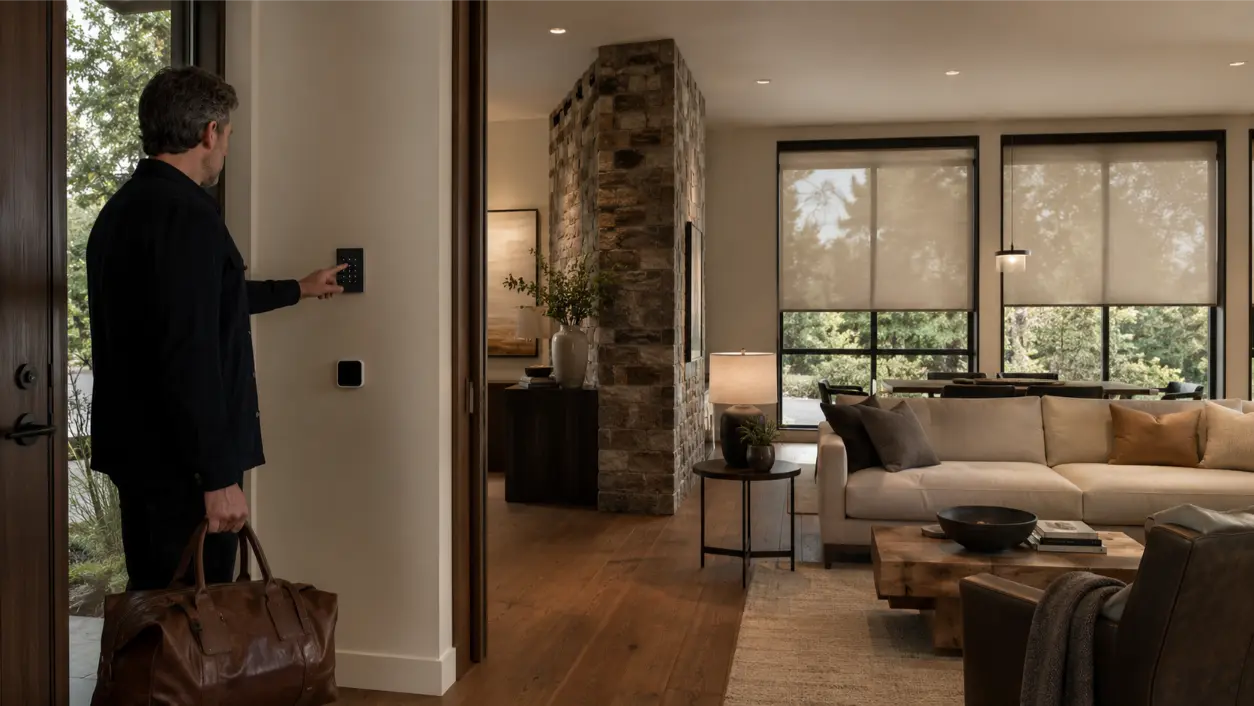
A labeled keypad button such as Away, Morning, Entertain, or Goodnight is predictable because the homeowner chooses when it runs. It is often the best starting point for routines that affect multiple rooms.
Time or Sunrise/Sunset
Schedules work well for consistent household patterns. Sunrise and sunset triggers are useful when the desired behavior follows daylight rather than the clock.
Occupancy
Occupancy can be valuable for lights and temperature logic, but it should be used carefully. A room that appears empty for a few minutes is not always truly unoccupied. Sensor placement, timeout settings, and household behavior matter.
Security or Away State
When compatible systems are integrated, arming an alarm or activating an Away scene can be a logical trigger for lighting and climate actions. The final behavior should be designed around the homeowner’s security preferences and the capabilities of the installed systems.
Design the Override Before You Design the Automation
Every routine should answer a basic question: “What happens when I want something different today?” Manual control should remain simple.
A well-designed system usually allows homeowners to:
- Run the scene from a keypad, remote, app, or other preferred interface.
- Adjust a single light or shade without rebuilding the whole routine.
- Pause scheduled actions for guests, vacations, or unusual days.
- Change scene settings later as routines evolve.
This is especially important for shades and climate. Weather, guests, sleeping schedules, travel, and seasonal changes can all make yesterday’s preferred automation wrong for today.
Build a Reliable Foundation Before Adding More Routines
Automation depends on the systems underneath it. If Wi-Fi coverage is inconsistent, devices disappear from apps, or integrations fail intermittently, adding more triggers can magnify the frustration.
AVI Group treats networking as part of the smart-home foundation. Its home networking and Wi-Fi service is designed around floor plans, construction materials, coverage needs, and the connected systems that depend on the network.
Before expanding a routine, verify:
- Lighting loads and dimmers respond consistently.
- Shade motors and limits are calibrated correctly.
- The thermostat is compatible with the HVAC equipment and control strategy.
- Network coverage is stable in the locations that need it.
- Scenes can be tested without creating conflicts with separate schedules.
A Simple Planning Checklist
- Name the routine. Use a real-life label such as Morning, Away, Work, Sunset, Entertain, or Goodnight.
- Choose one trigger. Start simple: a button, time, sunrise/sunset, or occupancy state.
- List lighting actions by room. Specify on/off/dim levels only where they matter.
- List shade positions by orientation and privacy need. Avoid assuming every window behaves the same.
- Define the climate action. Use homeowner-selected comfort targets that are compatible with the HVAC system.
- Define exceptions. Pets, guest rooms, nurseries, plants, specialty spaces, and irregular schedules may need exclusions.
- Choose the manual override. Make sure everyone in the home can understand it.
- Test one routine for several days. Refine it before creating many more.
When Professional Integration Makes the Biggest Difference
DIY devices can automate individual functions, but coordination becomes more important as the number of rooms, shades, lighting zones, HVAC controls, security devices, and user interfaces grows. A professionally integrated system can centralize the experience and reduce the number of separate apps and schedules homeowners need to manage.
AVI Group designs smart home automation around lighting, shades, climate, entertainment, security, and other connected systems for homeowners across the Atlanta area. The company’s stated approach is to make those systems centralized and simple rather than adding complexity for its own sake.
If your goal is one Away button, a better morning routine, coordinated sunset privacy, or a work-from-home scene that combines light and comfort, AVI Group offers free consultations to discuss the space, existing systems, and desired routines. The final scope depends on the home, equipment compatibility, wiring, network infrastructure, HVAC configuration, window treatments, and the automation platform selected for the project.
Frequently Asked Questions
Can lighting, shades, and a thermostat really run from one button?
Yes, when the installed systems and automation platform are compatible and configured to work together. A scene can send coordinated commands to multiple systems, while still allowing individual manual control afterward.
What should an Away mode do?
An Away mode commonly reduces unnecessary lighting, moves selected shades for privacy or solar control, and changes the thermostat to a homeowner-selected away setting. The best version also accounts for pets, plants, guest areas, security needs, and the household’s return routine.
Can shades open automatically at sunrise?
Many automation systems can use sunrise or astronomical scheduling as a trigger. Whether every shade should open at sunrise is a design choice; glare, privacy, room orientation, sleeping schedules, and solar heat gain may call for different behavior by room.
Should the thermostat change when the shades close?
It can, but the two actions do not always need to be directly linked. Shade position, solar exposure, HVAC zoning, outdoor conditions, and occupancy all affect the best strategy. A professional integrator can design the routine around the actual home instead of assuming one universal rule.
What happens if I want to override a routine?
A well-designed system should preserve straightforward manual control. Homeowners should be able to adjust a light, shade, or temperature setting without breaking the entire automation strategy.
Do smart-home routines save energy?
They can help reduce unnecessary operation when schedules, occupancy, lighting, and thermostat settings are used appropriately. ENERGY STAR recognizes coordinated smart-home energy management as a way to simplify and manage household energy use, but actual results vary by home, climate, equipment, settings, and behavior.
This article provides general smart-home planning information. Automation behavior, HVAC control, electrical work, shade installation, networking, and energy performance depend on the specific property and equipment. Electrical and HVAC modifications should be performed by appropriately qualified professionals, and all systems should be installed and configured according to applicable codes and manufacturer requirements.
RELATED LINK: ENERGY STAR — Smart Home Energy Management Systems