
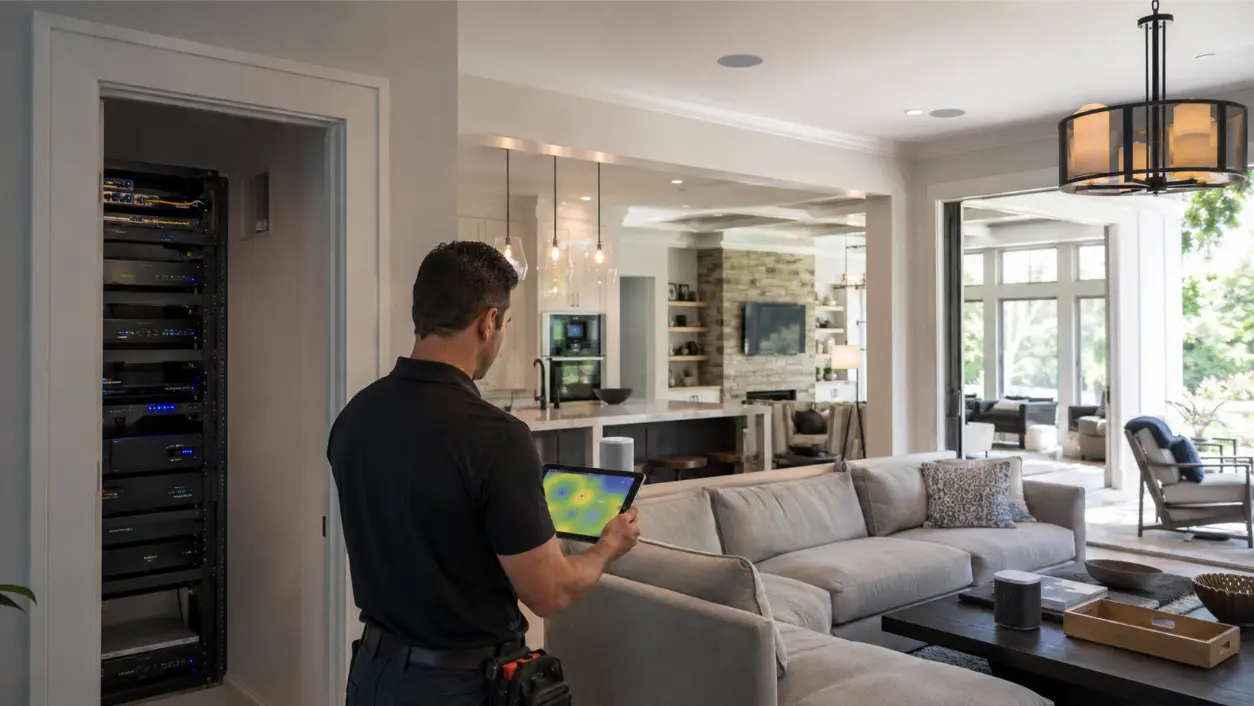
When sonos keeps cutting out during a party, the speaker is not always the problem.
In a larger home, multi-room audio depends on the network carrying several synchronized streams across long distances, multiple floors, dense walls, crowded wireless channels, and sometimes a mix of old and new Sonos products. A system that seems fine with one room playing may start buffering, lagging, or dropping rooms when the whole house is grouped. The durable fix is to treat whole-home audio as a networked system, not a collection of independent wireless speakers.
AVI Group designs whole-home audio and networking systems throughout the Atlanta area, including Sonos-based and hybrid wired/wireless installations. Its networking and Wi-Fi service uses wired backbones and strategically placed access points for large homes, while its Hi-Fi and whole-home audio work can combine streaming platforms, architectural speakers, and simple room-by-room control. If audio fails mainly when many rooms are active, start with the network path before replacing speakers.
Why Multi-Room Audio Gets Harder as the House Gets Bigger
Wireless audio is unusually sensitive to consistency. A video stream can often buffer ahead; synchronized multi-room music has to keep several players moving together in real time. The challenge grows when a home has multiple stories, long hallways, masonry, plaster, concrete, metal-backed surfaces, outdoor zones, or remote wings.
Sonos currently recommends wireless setup for most homes, but its own Ethernet guidance identifies larger footprints, unreliable Wi-Fi areas, heavy wireless interference, and frequent simultaneous streaming to six or more rooms as situations where Ethernet may provide a more reliable experience. That is an important clue: a system that cuts out only when the party expands from two rooms to eight may be showing a network-capacity or coverage problem rather than a defective speaker.
Symptom 1: One or Two Rooms Drop While the Rest Keep Playing
If the same rooms disappear, stutter, or fall behind, test their local wireless conditions first. Sonos now exposes network details for many Wi-Fi-connected products in the app, including the connected access point, frequency, channel, and signal-to-noise ratio. Sonos describes 45 dB or higher SNR as excellent and 25 dB or lower as weak, while noting that this information is not shown for every product or topology.
Do not treat one SNR reading as the whole diagnosis. Walk the problem rooms and note what is between the speaker and the nearest access point. Sonos identifies plaster, concrete, metal, brick, water, and other materials as potential signal obstacles, with metal presenting especially high interference potential. A speaker behind a television, beside a metal cabinet, near a wireless camera, or at the far edge of an access point can behave differently from another speaker only one room away.
What to try
- Move the speaker temporarily closer to the nearest access point and test again.
- Use the Sonos app network details, where available, to compare weak and stable rooms.
- Test the problem area while the entire house is playing, not only one room.
- Check whether the failing speaker is consistently attached to a distant mesh node or access point.
- Review nearby electronics and physical obstructions before assuming the speaker hardware is bad.
Symptom 2: Everything Works Until Many Rooms Are Grouped
This pattern often points to network load or topology. During a party, the network may be handling phones, tablets, televisions, cameras, smart-home devices, guests, and several synchronized music zones at the same time. A mesh system can improve coverage, but good signal bars do not automatically mean the mesh has enough stable backhaul capacity for every device and audio stream.
Sonos specifically advises considering wired connections when streaming to six or more rooms simultaneously, especially with high-bitrate audio. For a large residence, that can mean wiring compatible Sonos products where practical, wiring access points back to the network switch, or using wired amplifiers and architectural speakers in major zones while reserving wireless speakers for locations where cable is impractical.
Mesh Wi-Fi Can Help – but Mesh Is Not the Same as Wired Backhaul
Mesh is useful when a single router cannot cover the property, but mesh nodes themselves need a strong connection back to the network. If every node relays wirelessly through another node, some installations lose throughput and stability as traffic crosses the mesh. That does not mean mesh is inherently bad for Sonos. Sonos currently says a stand-alone router or mesh system often improves range and performance in larger homes, and it recommends a router or mesh platform with Wi-Fi 5 or newer when upgrading.
The design question is whether the access points or mesh nodes are positioned and connected for the house you actually have. AVI Group describes its Atlanta home networking approach as a wired backbone with strategically placed access points, which reduces the need for wireless hops between infrastructure devices. In large or complex homes, that kind of architecture gives audio, video, cameras, and smart-home systems a more predictable foundation.
Wireless Interference Can Sound Like a Speaker Problem
Sonos says wireless interference can cause audio dropouts or products to disappear from the app. Common sources include routers, extenders, access points, security cameras, cordless phones, wireless video devices, smart-home hubs, baby monitors, and even microwave ovens. Competing Wi-Fi networks from nearby homes can add congestion as well.
For a wireless Sonos setup, Sonos currently recommends automatic 2.4 GHz channel selection and a 20 MHz channel width, while 5 GHz or 6 GHz can generally use All or Auto. In a wired Sonos setup that creates a dedicated Sonos wireless network, channel planning changes: Sonos recommends keeping the router and Sonos wireless network on separate non-overlapping channels. The correct setting therefore depends on whether the system is operating on home Wi-Fi, SonosNet, or a mix of product types.
Do Not Assume Wiring One Sonos Product Fixes Every Modern System
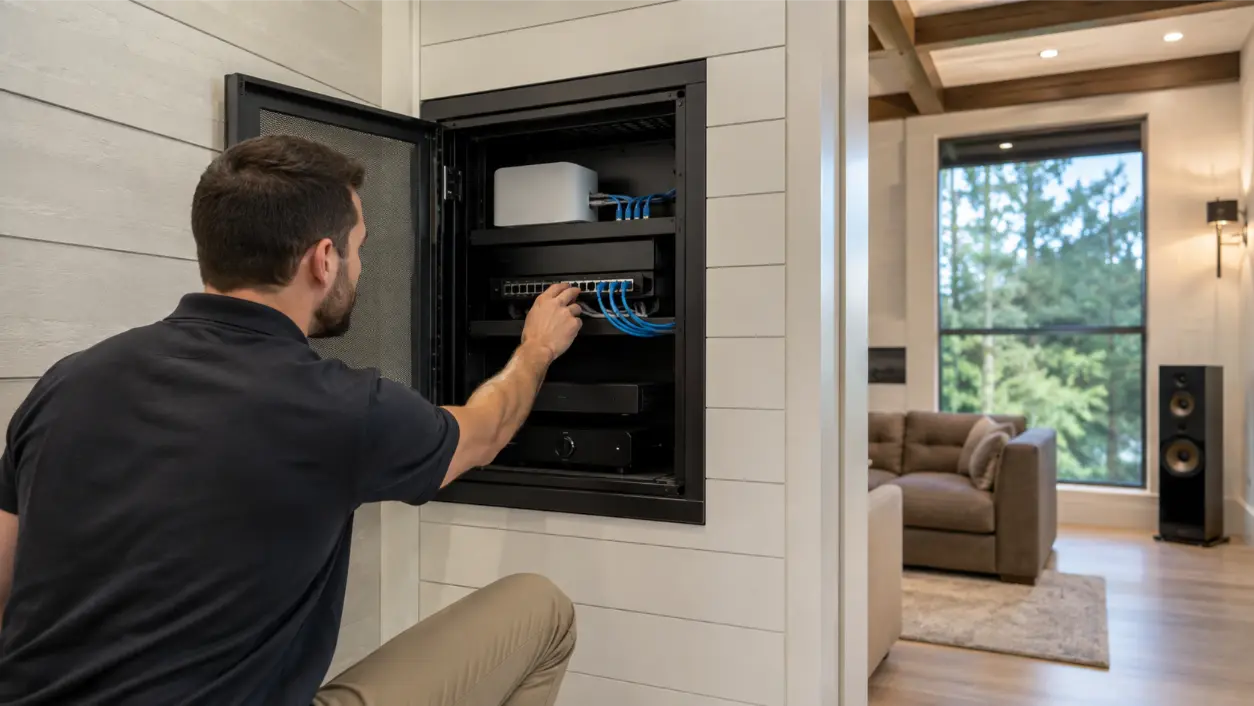
Older advice often reduced troubleshooting to one instruction: plug a Sonos speaker into Ethernet and let SonosNet handle the rest. That is no longer universal. Sonos currently lists several products – including Arc Ultra, Era 100, Era 300, Move, Roam, and others – that do not participate in the dedicated Sonos wireless network in the same way. Some must stay on home Wi-Fi or use Ethernet directly when supported.
That means the best wired strategy depends on the actual product list. In some homes, wiring compatible players can reduce wireless traffic. In others, the better investment is a stronger wired Wi-Fi backbone and targeted Ethernet to fixed devices. Before changing topology, identify each model, how it is connected, and whether it supports the planned network mode.
Why Wireless Speakers Lag Between Rooms
A slight delay between rooms can come from more than Wi-Fi strength. Grouping behavior, home-theater configurations, line-in sources, Bluetooth sources, different product paths, or a congested network can all affect what you hear. If the lag appears only on one source, test another streaming service. If it appears only when a certain room joins, isolate that room. If it appears across all grouped playback, look at network design and device connections.
For parties, also test the system before guests arrive. A home network that is stable on a quiet Tuesday may behave differently when dozens of phones, security cameras, TVs, and audio zones are active. The useful test is the expected peak load.
A Large-Home Sonos Troubleshooting Checklist
- Reproduce the dropout with the same number of grouped rooms that normally causes the problem.
- Identify whether one room, several rooms, or the entire group fails.
- Confirm that the Sonos app and products are on the intended network and not a guest network.
- Use Sonos network details, where available, to compare signal strength, BSSID, channel, frequency, and SNR between stable and unstable rooms.
- Check whether failing rooms are far from an access point or separated by plaster, concrete, metal, masonry, or multiple floors.
- Temporarily move a problem speaker or access point to see whether location changes the symptom.
- Look for interference from cameras, extenders, wireless hubs, cordless devices, and nearby electronics.
- Check whether the issue appears only when six or more rooms stream simultaneously or only with high-bitrate content.
- Inventory which Sonos products can use Ethernet and which models do not support the dedicated Sonos wireless network.
- If the house uses mesh, determine whether access points or nodes have wired backhaul or rely on multiple wireless hops.
- Test with nonessential network traffic reduced to separate internet congestion from local Wi-Fi problems.
- Document the final working topology so future router, switch, or speaker changes do not recreate the issue.
When a Wired or Hybrid Audio Design Makes More Sense
Not every room needs the same architecture. In a large home, the most reliable design may be hybrid: wired network infrastructure throughout the house, Ethernet to fixed equipment where practical, wired amplifiers and architectural speakers in major spaces, and wireless speakers in rooms where retrofit cabling would be disruptive.
AVI Group can combine wired and wireless audio under a common control experience. Its whole-home audio services support multi-room distribution, streaming, architectural speakers, and integration, while its home automation systems can unify audio with lighting, shades, climate, and other smart-home functions. The point is not to eliminate wireless. It is to stop asking wireless links to do jobs that the physical home makes unnecessarily difficult.
When to Call an AV and Network Integrator
Bring in a professional when the problem affects several rooms, the home has multiple access points or network switches, the system mixes Sonos generations and home-theater products, or you cannot tell whether the issue is Wi-Fi, switching, topology, or audio configuration. A network-aware AV integrator can test the actual coverage and traffic path, identify where wired backhaul will help, and design the audio system around the way the house is used.
AVI Group serves Atlanta-area homeowners with whole-home audio, Sonos integration, Wi-Fi design, wired network backbones, and smart-home systems. If music cuts out when the house fills up or when many zones are grouped, a free consultation can help determine whether the right next step is configuration, network redesign, selective wiring, or a broader whole-home audio upgrade.
Frequently Asked Questions
Why does Sonos keep cutting out in a large house?
Common causes include weak coverage in remote rooms, wireless interference, mesh or access-point design, heavy simultaneous network load, and a topology that relies too heavily on wireless links. Test which rooms fail and under what load before replacing speakers.
Is mesh Wi-Fi good for Sonos?
It can be. Sonos says mesh systems can improve range and performance in larger homes. The quality of the result depends on placement, configuration, and how the mesh nodes connect back to the network. Wired backhaul can reduce dependence on wireless hops.
Should I wire Sonos with Ethernet?
Sonos recommends wireless for most homes, but says Ethernet may be preferable in larger homes, areas with unreliable Wi-Fi or heavy interference, and systems that frequently stream to six or more rooms. The right choice depends on the specific Sonos models because not every current product supports SonosNet in the same way.
How can I check Sonos Wi-Fi strength?
For many Wi-Fi-connected products, the Sonos app shows network details including signal strength and SNR. Sonos describes 45 dB or above as an excellent general SNR guideline and 25 dB or below as weak. These details are not available for every topology or product role.
Why do wireless speakers lag between rooms?
Lag can come from network congestion, different source paths, room grouping behavior, home-theater configurations, or a weak room connection. Isolate whether the delay follows a specific source or a specific room, then test the network under the same multi-room load that produces the problem.
What is the best network setup for wireless audio in a large home?
A strong design usually starts with a wired network backbone and well-placed access points, then uses Ethernet for compatible fixed audio devices where practical. The exact mix depends on construction materials, floor plan, room count, product models, and how many zones play at once.
This article provides general networking and AV troubleshooting information. Sonos features, product capabilities, recommended settings, firmware, and supported network modes can change. Follow current manufacturer guidance for your exact products, and use qualified networking or AV professionals for managed switches, structured cabling, and larger integrated systems.
RELATED LINK: Sonos Support – Recommended settings for using Sonos with Ethernet networks