
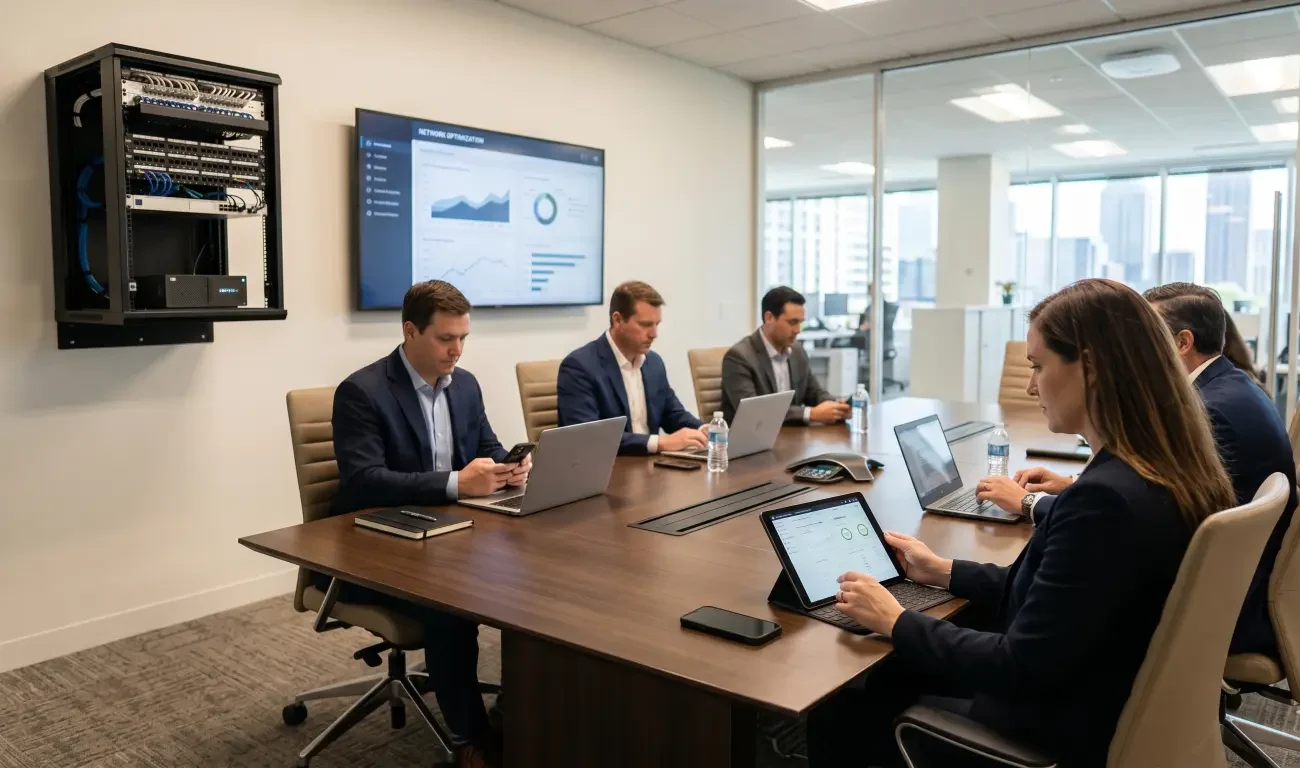
Guest Wi-Fi is supposed to be helpful. Clients can connect during meetings. Vendors can get online while they are onsite. Visitors do not need access to the company’s internal systems. Everyone gets convenience without sharing the main office password.
If there’s a poor commercial guest Wi-Fi performance networks slow down.
But in many small offices, the guest network becomes the reason the entire Wi-Fi experience feels unstable. Staff video calls freeze when visitors arrive. Conference room presentations lag. Cloud apps slow down. Printers disappear. The office manager hears the same complaint over and over: “The Wi-Fi is down again.”
The truth is that guest Wi-Fi does not automatically hurt performance. Poorly designed guest Wi-Fi does. When guest access is added casually, without bandwidth control, access point planning, network segmentation, and usage rules, it can compete with the same wireless capacity your team needs to do business.
For facilities managers, IT managers, and office leaders, the goal is not to remove guest access. The goal is to design it correctly so visitors can connect without dragging down the workday.
Why Guest Wi-Fi Feels Like a Small Feature but Acts Like a Big Load
A guest network may look like a simple second Wi-Fi name on a phone. Behind the scenes, it still uses real network resources. Every guest device needs airtime, authentication, IP addressing, internet access, and signal quality. If several visitors connect at once, stream video, sync files, join video calls, or leave background apps running, that traffic has to go somewhere.
The problem gets worse when the office only has a few access points, consumer-grade networking equipment, or a flat network where guest and staff traffic are not properly separated. In that environment, the guest network is not a controlled visitor lane. It is more like adding more cars to the same narrow road.
Commercial Wi-Fi performance depends on more than internet speed. It depends on access point placement, device density, channel planning, interference, network segmentation, and traffic priorities. A fast internet connection cannot fully compensate for poor wireless design.
The Difference Between a Guest Network and a Proper Guest Wi-Fi Design
A guest network is simply a separate Wi-Fi name that visitors can join. A proper guest Wi-Fi design is a planned experience with rules, boundaries, and capacity behind it.
In a basic setup, a business may create a “Guest” network, add a password, and assume the work is done. That can be enough for a very small office with light visitor use. But as soon as client meetings, training sessions, showroom visits, events, or conference room traffic increase, the limitations start to show.
A proper design asks better questions. How many guests might connect at the same time? Where will they gather? Are they mostly checking email, or are they joining video calls? Should guests be blocked from internal devices? Should their bandwidth be limited? Should the guest network shut off after hours? Should the conference room have stronger coverage than the lobby?
Those questions turn guest Wi-Fi from a convenience feature into a managed part of the office infrastructure.
How Guest Wi-Fi Can Slow the Office Network
Guests Compete for Wireless Airtime
Wi-Fi is shared. Devices take turns communicating with the access point. When more devices connect, especially in the same room or area, each device has to share the available airtime.
This is why a meeting with ten visitors can cause a noticeable slowdown even if the internet plan seems fast enough. The bottleneck may be the wireless environment, not the internet service. Older devices, weak signals, and high-bandwidth activity can consume extra airtime and make the whole area feel sluggish.
Guests Consume Internet Bandwidth
Guest devices may automatically download updates, sync photos, stream music, run cloud backups, or connect to video meetings. If the guest network has no limits, visitor traffic can compete directly with staff traffic.
That can affect cloud software, point-of-sale systems, video conferencing, VoIP calls, file transfers, and other business-critical tools. Even if the slowdown is temporary, it can hurt productivity and client experience.
Guest Devices May Connect in High-Density Areas
Guest Wi-Fi problems often show up in conference rooms, waiting areas, classrooms, showrooms, and event spaces. These are places where many devices gather in one area at the same time.
If the access point density is too low, or if access points are poorly placed, those rooms can become congested. The rest of the office may seem fine while the room with visitors performs poorly.
Unsegmented Guest Access Creates Security and Performance Risk
A guest network should not have the same access as internal staff devices. Visitors do not need access to printers, file shares, control systems, AV devices, security systems, or office equipment.
When guest access is not properly segmented, the business may create both security risk and performance confusion. A better design separates guest traffic from internal traffic and limits what guests can see or reach.
VLAN Basics in Plain English
A VLAN is a way to separate traffic inside a network. Think of it like creating different lanes or zones for different types of users and devices.
Staff computers may use one VLAN. Guest devices may use another. Security cameras may use another. AV systems, printers, and building technology may have their own rules as well.
The point is not to make the network complicated for users. The point is to keep traffic organized behind the scenes. A properly configured guest VLAN can let visitors reach the internet while preventing them from reaching internal business systems.
For a small office, VLANs can be especially useful because they allow the company to offer convenience without opening the entire network to every visitor. They also make it easier to apply bandwidth rules, security policies, and troubleshooting steps.
Bandwidth Control: Why Guests Need Limits
Bandwidth control helps prevent guest traffic from overwhelming business traffic. It can limit how much internet capacity the guest network can use, or it can give priority to business-critical applications.
Without limits, one visitor streaming video or uploading large files can create problems for the whole office. With sensible limits, guests can still browse, check email, and use normal online tools without taking over the connection.
Bandwidth control does not need to feel restrictive. Most guests do not need unlimited speed. They need enough performance for basic use. Staff, conference rooms, phones, and business systems need the network to remain stable.
A good design balances hospitality with operational control.
Access Point Density: Why More Devices Need Better Coverage
Many office Wi-Fi problems come from too few access points or poorly placed access points. One router in a closet may be fine for a home, but it is rarely the right design for a busy office.
Access point density means having the right number of access points in the right locations for the number of people and devices using the space. A conference room may need different coverage than a hallway. A training room may need more capacity than a private office. A showroom with visitors may need a different plan than a back-office area.
Adding guest Wi-Fi without considering density can make weak areas worse. Visitors cluster in the same places, connect multiple devices, and increase demand exactly where the network may already be strained.
Professional Wi-Fi design looks at the floor plan, wall materials, device counts, user behavior, interference, and business priorities before deciding where access points should go.
Common Guest Wi-Fi Mistakes Small Offices Make
Using Consumer-Grade Equipment for Business Traffic
Consumer routers and basic mesh systems may work for light home use, but they often struggle with business demands. Offices need reliability, segmentation, management, security settings, and supportable hardware.
Sharing One Password Too Widely
If the same guest password is used for months or years, it can spread far beyond actual visitors. Former vendors, neighboring tenants, and old devices may continue connecting. A guest network should be managed and periodically updated.
Letting Guests Use Unlimited Bandwidth
Unlimited guest bandwidth can create avoidable slowdowns. Setting reasonable limits helps protect staff productivity while still offering useful visitor access.
Ignoring Conference Room Capacity
Conference rooms are often where guest Wi-Fi matters most. If the room is used for client meetings, hybrid calls, trainings, or presentations, it needs reliable wireless coverage and enough capacity for the devices in the room.
Forgetting About AV and Collaboration Systems
Modern offices often depend on conference room displays, wireless presentation tools, video bars, speakers, microphones, and scheduling panels. These systems may need stable network access. Guest traffic should not interfere with meeting technology.
How to Set Up Guest Wi-Fi Without Slowing the Network
Start by separating guest traffic from internal traffic. A dedicated guest VLAN or properly isolated guest network helps protect business systems and keeps visitor access controlled.
Next, set bandwidth rules. Guests should have enough speed for normal use, but not so much that they can overwhelm the office connection. If the office depends heavily on video conferencing, VoIP, or cloud tools, prioritize those business applications.
Then review access point placement and density. Make sure the areas where guests actually gather have enough coverage and capacity. Lobbies, conference rooms, training spaces, and showrooms should be evaluated based on real usage, not guesswork.
Also create a simple password and access policy. Change the guest password on a regular schedule, especially if many visitors come through the office. For higher-security environments, consider time-limited guest access or a captive portal.
Finally, monitor performance. If the network slows down during meetings or events, that is useful information. The pattern can help identify whether the issue is bandwidth, access point capacity, interference, placement, or configuration.
When Guest Wi-Fi Problems Are Really Network Design Problems
Sometimes the guest network gets blamed because the slowdown is easy to notice when visitors arrive. But the deeper issue may be an outdated or underbuilt office network.
Signs of a bigger design problem include dropped video calls, weak signal in conference rooms, staff devices roaming poorly between access points, inconsistent performance by room, slow speeds even when few people are connected, or AV systems that behave unpredictably.
In these cases, changing the guest password will not solve the issue. The office may need a network assessment, updated access points, better switching, VLAN configuration, improved cabling, or a more thoughtful design for AV and business systems.
Guest Wi-Fi is often the symptom. Network design is often the cause.
How AVI Group Helps Offices Build Better Commercial Wi-Fi
AVI Group works with businesses in the Atlanta area on commercial AV, conference room systems, networking, automation, and technology integration. That matters because office Wi-Fi is no longer separate from the rest of the workplace experience.
Conference rooms, video meetings, digital displays, audio systems, presentation tools, visitor access, staff devices, and business applications all depend on reliable infrastructure. A Wi-Fi design that ignores those systems can create recurring frustration.
A better approach looks at the full environment: how the office is used, where guests gather, which rooms host client meetings, what AV systems depend on the network, and what performance expectations matter most.
From there, AVI Group can help plan guest Wi-Fi, business network segmentation, access point coverage, conference room connectivity, and integrated technology systems that support the way the office actually operates.
Final Takeaway: Guest Wi-Fi Should Be Controlled, Not Casual
Guest Wi-Fi is useful, but it should not be casual. A second network name and a shared password may work for light use, but they are not enough for a busy office where visitors, staff, AV systems, and business applications all compete for reliable connectivity.
The best guest Wi-Fi setup gives visitors what they need while protecting the performance and security of the office. That usually means segmentation, bandwidth control, proper access point density, and a plan for the rooms where people actually connect.
If clients visit your office and the Wi-Fi collapses, the problem may not be your guests. It may be the design behind the network.
AVI Group offers free consultations for businesses that want more reliable commercial Wi-Fi, stronger conference room performance, and a better-connected workplace.
FAQs
Does Guest Wi-Fi Slow Down an Office Network?
Guest Wi-Fi can slow down an office network if it is poorly designed, has no bandwidth limits, shares the same overloaded access points, or is not properly separated from business traffic. A well-designed guest network should provide visitor access without disrupting staff productivity.
How Do You Set Up Guest Wi-Fi Without Slowing the Network?
Use proper guest isolation, bandwidth limits, VLANs, strong access point placement, and clear access policies. Guest traffic should be separated from internal systems and limited enough that visitors can get online without overwhelming business applications.
What Is a VLAN for Guest Wi-Fi?
A VLAN separates guest traffic from other network traffic. It allows visitors to access the internet while keeping them away from internal devices, business systems, printers, AV equipment, and other sensitive resources.
How Much Bandwidth Should Guest Wi-Fi Have?
The right amount depends on office size, visitor count, internet speed, and business needs. Guests usually need enough bandwidth for normal browsing and communication, while staff systems, video meetings, phones, and business applications should receive priority.
Why Does Office Wi-Fi Drop When Visitors Connect?
This can happen when too many devices share limited wireless airtime, access points are poorly placed, the network lacks bandwidth controls, or the office infrastructure is underbuilt for the number of users and devices.
Should Guest Wi-Fi Be Separate From Staff Wi-Fi?
Yes. Guest Wi-Fi should be separated from staff Wi-Fi for both security and performance reasons. Visitors should not have access to internal systems, and their usage should not interfere with business-critical applications.
RELATED LINKS:
NIST – Guidelines for Securing Wireless Local Area Networks (WLANs)