
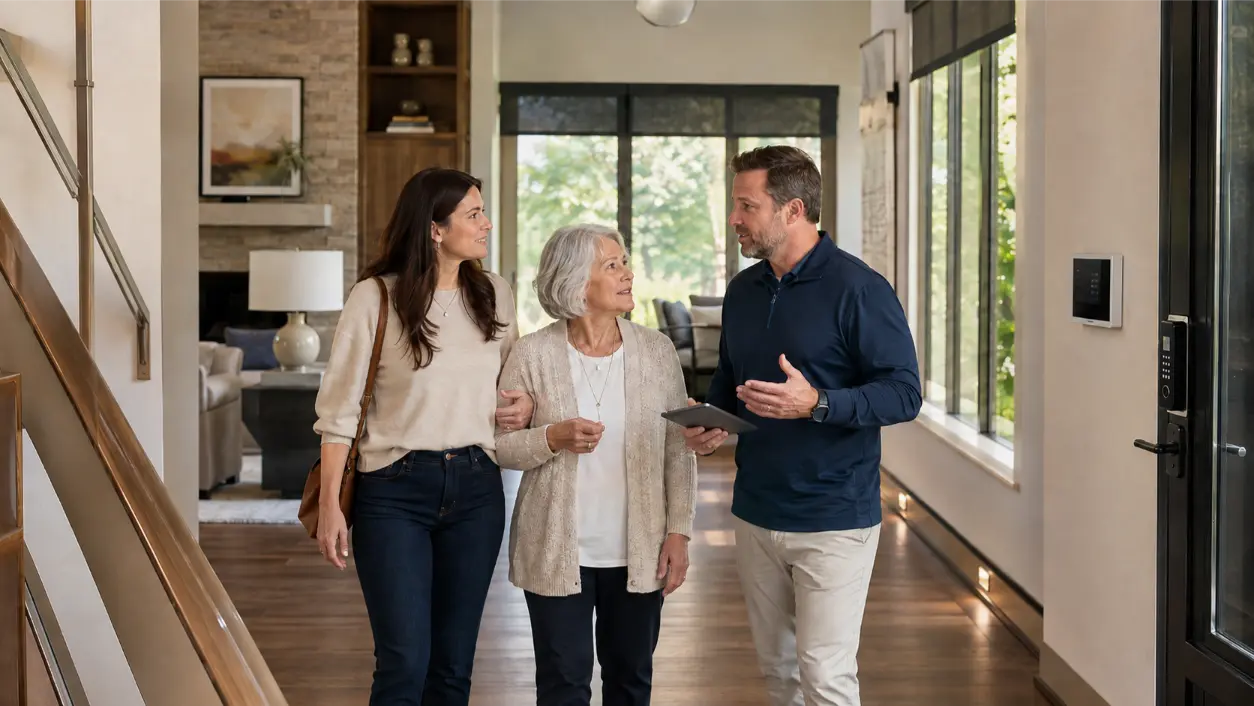
A smart home aging in place plan should make everyday tasks easier without making the house harder to understand. For an adult child helping parents remain safely and comfortably at home, the best technology is usually not the most elaborate. It is the system that reduces unnecessary walking in the dark, makes important controls easy to reach, simplifies door access, sends useful alerts without constant noise, and preserves familiar manual controls when automation is not needed.
AVI Group designs smart-home, lighting, networking, and security systems for Atlanta-area homes. Its current services include unified control of lighting, shades, climate, audio, video, and security, plus smart locks, alarms, cameras, video doorbells, app/keypad control, voice options, and reliable home networking. Those capabilities can support an aging-in-place plan when they are designed around the resident’s actual routines rather than around a list of gadgets.
Start With Physical Safety Before Adding Automation
Technology should support a safer home, not distract from basic safety improvements. The National Institute on Aging and CDC both recommend measures such as good lighting, removing trip hazards, adding grab bars where appropriate, using handrails on stairs, and keeping walking paths clear. Automation can reinforce some of those changes, but it cannot replace them.
Before choosing smart devices, walk through the home with the parent and look at the real problem areas:
- Routes from the bedroom to the bathroom at night.
- Dark stairs, hallways, garages, and exterior entries.
- Frequently used switches that are difficult to reach.
- Doors that are hard to lock or verify.
- Areas where a caregiver may need temporary access.
- Places where water leaks, smoke, carbon monoxide, or an open door would require attention.
The goal is to identify friction first, then decide where automation can remove a step or make a status easier to understand.
1. Make Night Lighting the First Automation Routine
Good lighting is one of the clearest aging-in-place priorities. CDC guidance for older adults recommends brightening the home and making switches easy to access, and specifically notes that motion-sensor lights can help keep rooms and hallways well lit.
A practical smart-lighting plan can create low-level pathway lighting that activates automatically after dark. For example, getting out of bed can trigger a gentle sequence from the bedroom to the hallway and bathroom instead of forcing someone to search for a wall switch in the dark.
Useful lighting routines may include:
- Bedroom-to-bathroom pathway lighting at night.
- Low-level stair and hallway lighting after sunset.
- Entry lighting when an exterior door opens.
- Garage-to-house lighting when arriving home.
- A single “Good Night” scene that turns off unnecessary lights while leaving selected path lights available.
Keep the light level comfortable and avoid sudden, overly bright scenes that can be disorienting. A lighting designer or integrator can tune the brightness and timing for the actual home.
2. Keep Controls Simple and Familiar
A smart home can fail an older resident if every function requires a phone app. The system should offer several simple ways to perform the same essential action.
AVI Group currently describes one-app, keypad, and voice-control options across its automation and security systems. In an aging-in-place design, that flexibility is useful because the resident can use whichever method is easiest in the moment.
- Large, clearly labeled wall keypads for common scenes.
- Traditional-looking switches that still work manually.
- A simple app for a family member who manages the system remotely.
- Voice control for selected functions when mobility or reach is limited.
Voice control should be a convenience, not the only way to operate important functions. Internet outages, microphone errors, background noise, or speech changes can make voice systems less dependable in some situations. Essential lighting and access functions should retain straightforward physical controls.
3. Use Voice Control for Low-Risk Everyday Tasks
Voice control can reduce unnecessary reaching or walking for routine tasks. Appropriate examples might include turning on a lamp, adjusting a lighting scene, lowering shades, or checking whether a selected door is locked when the platform supports that function.
Keep voice commands short and predictable. A small set of phrases is easier to remember than dozens of device names. For example:
- “Good morning” for selected lights and shades.
- “Good night” for lights, shades, and a security status check.
- “Hall lights on.”
- “Turn on the kitchen lights.”
Do not use voice control as the sole method for emergency communication or other critical safety functions unless the specific system is designed and supported for that purpose.
4. Plan Smart Locks Around Caregiver Access
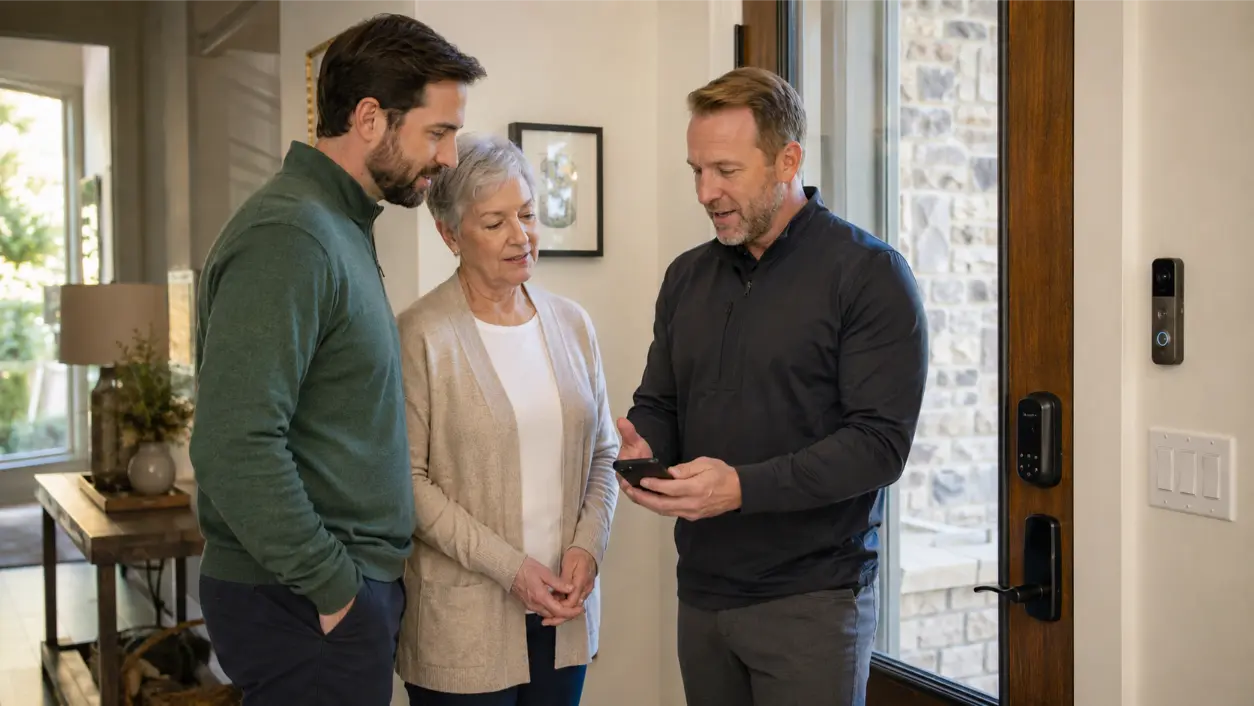
Smart locks can make access easier for adult children, home-care workers, housekeepers, or other trusted visitors without requiring multiple physical keys. AVI Group’s current security offering includes programmable PINs, temporary guest or vendor codes, event logs, and auto-lock schedules.
For aging in place, useful routines can include:
- A unique code for a caregiver instead of sharing the parent’s main code.
- Temporary access for a service provider.
- An automatic lock reminder after a door closes.
- A notification to a designated family member when a specific door is left open, if appropriate and supported.
Access should still be easy from inside the home, and the resident should understand how to unlock the door manually if the smart system, network, or batteries fail.
5. Use Security Alerts Selectively
AVI Group integrates cameras, video doorbells, door/window contacts, alarms, smart locks, and other sensors into security systems. For aging in place, the key is deciding which alerts are genuinely useful.
An adult child may benefit from an alert when an exterior door remains open unusually long, when a leak sensor activates, or when the alarm system reports a meaningful condition. But sending every motion notification to both the parent and family can quickly create alarm fatigue.
Use a short list of high-value notifications and define who receives each one. Respect the resident’s privacy. A camera or activity alert that feels reassuring to one family may feel intrusive to another.
6. Add Water, Smoke, and Carbon Monoxide Awareness
Security planning can include environmental sensors such as smoke/CO and water-leak detection. These devices should be selected and installed in accordance with applicable codes and manufacturer requirements.
Automation can support awareness by forwarding alerts or integrating selected responses, but it should not replace required life-safety devices, professional monitoring where appropriate, or emergency procedures. Never assume that a general smart-home notification is equivalent to a listed life-safety alarm system.
7. Treat Emergency Triggers as Support, Not a Guarantee
Families often ask whether a smart home can detect a fall or automatically summon help. Some specialized devices and monitoring services are designed for emergency response, but a general home-automation system should not be represented as a medical monitoring system unless it is specifically designed, certified, and contracted for that use.
A safer approach is to use automation for supporting routines:
- Make nighttime walking paths easier to see.
- Make it easier to call or reach a caregiver using an appropriate communication device.
- Use selected security or environmental alerts to notify family of defined events.
- Maintain optional professional security monitoring where suitable.
Fall risk also involves health, medications, vision, strength, balance, footwear, and home hazards. CDC recommends discussing fall risk with healthcare professionals and making physical home-safety improvements in addition to improving lighting.
8. Build the System on a Reliable Network
Smart-home control, security cameras, connected locks, alerts, and remote family access all depend on the home network. AVI Group’s networking service uses wired backbones, strategically placed Wi-Fi access points, clean equipment racks, and managed connectivity for smart homes.
For aging in place, reliability matters more than novelty. The system should be designed so common controls still function locally when possible, and important equipment should have an appropriate power and backup strategy. Ask the integrator what happens during:
- An internet outage.
- A power outage.
- A router or access-point failure.
- A depleted smart-lock battery.
- A phone replacement or lost caregiver device.
The family should understand the fallback procedure before an outage happens.
9. Create Separate Parent and Caregiver Permissions
An aging-in-place system may involve several people, but they should not all share one master account. Create separate user profiles where the platform allows it.
The parent may need full everyday control. An adult child may need remote status and selected notifications. A caregiver may only need a temporary door code. A service provider may need access during a specific time window.
This protects privacy and makes it easier to revoke access when circumstances change.
10. Avoid Over-Automating the Home
Automation should remove friction, not create surprises. A system that changes lights, locks doors, lowers shades, and adjusts temperature based on complicated conditions can become confusing if the resident does not know why something happened.
Use conservative rules:
- Automate repetitive, predictable actions.
- Use confirmation before unusual or consequential actions where appropriate.
- Preserve physical controls.
- Avoid routines that could leave someone unexpectedly in darkness.
- Test every scene with the parent present.
- Document the system in plain language.
If the parent cannot explain what a routine does, simplify it.
Room-by-Room Aging-in-Place Automation Ideas
Bedroom and Hallway
Use low-level night lighting, easy bedside controls, and simple “Good Night” and “Good Morning” scenes. Keep a manual switch accessible.
Bathroom Route
Use motion or occupancy-based pathway lighting where appropriate, while addressing physical fall hazards separately with grab bars, non-slip surfaces, and other recommended modifications.
Kitchen
Make task lighting easy to activate, avoid overly complicated scenes, and consider leak detection near sinks, refrigerators, or other water sources where appropriate.
Entry and Garage
Coordinate exterior lighting, smart locks, video doorbells, and door status. Create a simple arrival scene that illuminates the route from vehicle or entry to the main living space.
Living Room
Use one simple scene for the most common combination of lights, shades, and entertainment instead of multiple remotes and disconnected apps.
Safety-First Smart Home Checklist
- Walk the home and identify real daily friction points.
- Address physical fall hazards before relying on automation.
- Prioritize night and pathway lighting.
- Keep essential manual switches and controls.
- Use voice control as an optional convenience, not the only control method.
- Create separate user permissions for parents, family, and caregivers.
- Use temporary or unique access codes instead of shared credentials.
- Choose only high-value alerts to avoid notification fatigue.
- Coordinate smoke, CO, and other life-safety devices with applicable codes and qualified professionals.
- Do not market general automation as medical fall detection or emergency monitoring.
- Design a reliable network and power-backup strategy.
- Document what happens during internet or power failures.
- Test every routine with the parent who will actually use it.
- Review the system periodically as mobility, vision, hearing, caregiving, or household routines change.
Frequently Asked Questions
What Smart Home Features Are Most Useful for Aging in Place?
Start with features that remove everyday friction: reliable pathway lighting, simple wall controls, selected voice commands, smart locks with caregiver permissions, door and environmental alerts, and a stable home network. The best choices depend on the resident’s abilities, routines, and home layout.
Can Smart Lighting Help Reduce Fall Risk?
Better lighting can address one important home hazard. CDC and NIA both recommend good lighting as part of fall-prevention and aging-in-place safety. Automation can make that lighting easier to activate, but it cannot eliminate fall risk or replace medical evaluation, physical modifications, balance work, or other prevention measures.
Is Voice Control Good for Older Adults With Mobility Issues?
It can be helpful for low-risk tasks such as lights and shades, especially when reaching a switch is difficult. Keep physical controls available because voice systems can fail, misunderstand commands, or depend on network services.
Can an Adult Child Remotely Unlock a Parent’s Door?
Many smart-lock and access-control systems support remote management or temporary codes. The exact feature depends on the system. Use individual accounts or codes, protect credentials, and preserve a manual access method for outages or device failure.
Should Cameras Be Used to Monitor an Older Parent?
That is a personal privacy decision, not a universal best practice. If cameras are used, discuss placement, access, recording, and notification expectations with the resident. Consider less intrusive sensors or alerts when they can meet the same objective.
Design the Home Around the Person, Not the Technology
Aging-in-place automation is most effective when it disappears into the background. The parent should not have to become a technology expert. Lights should come on when they are needed, doors should be easy to manage, caregivers should have appropriate access, and important alerts should reach the right person without creating constant noise.
AVI Group designs integrated smart-home automation, security systems, and networking and Wi-Fi for Atlanta-area homes. Families planning updates for an aging parent can book a free consultation to review the home, routines, control preferences, lighting, access, networking, and security needs before selecting specific devices.
Safety, medical, accessibility, and security disclaimer: This article provides general planning information and is not medical, occupational therapy, accessibility, electrical, life-safety, emergency-response, or security-engineering advice. Smart-home devices cannot guarantee fall prevention, independent living, emergency detection, or successful caregiver response. Discuss health and fall-risk concerns with qualified healthcare professionals, use appropriate accessibility and construction professionals for physical modifications, and follow applicable codes and manufacturer instructions for life-safety and electrical systems.
RELATED LINK: National Institute on Aging — Aging in Place: Tips on Making Home Safe and Accessible