
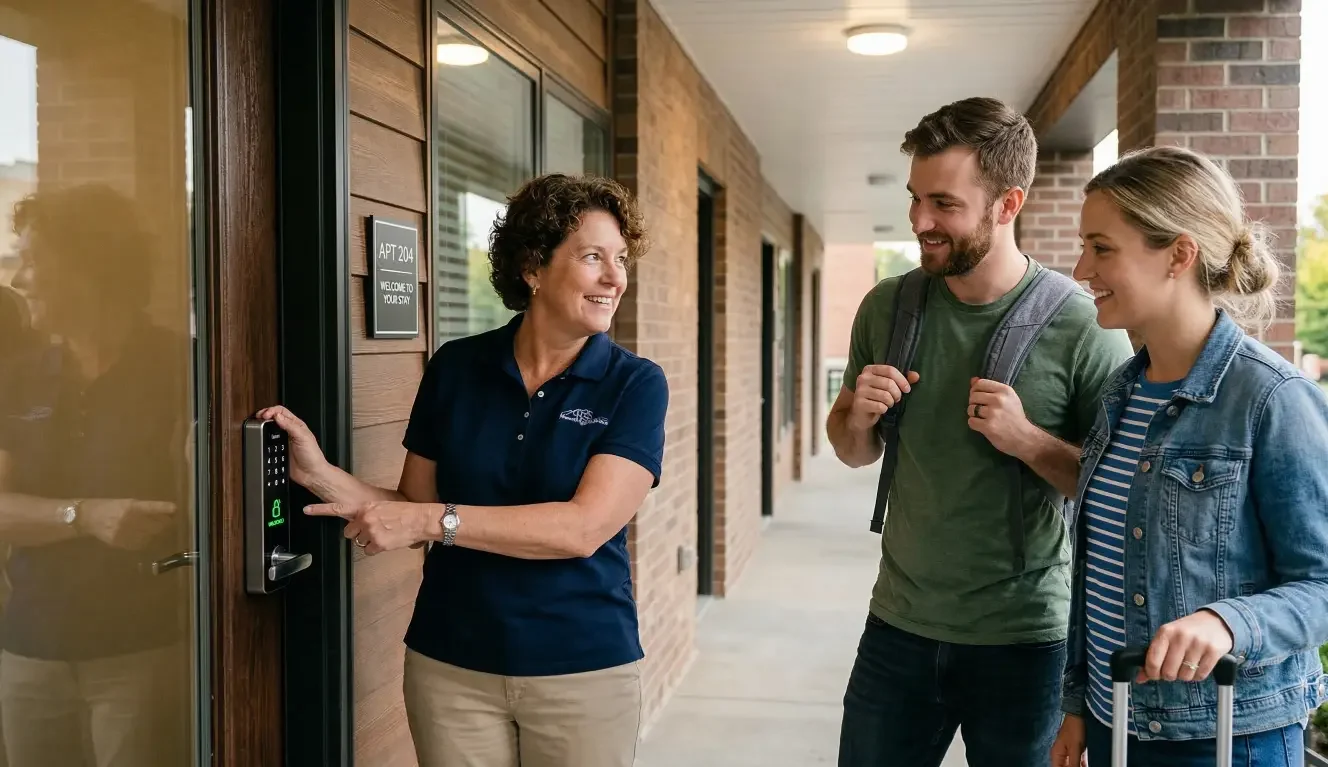
Managing keys across multiple short-term rentals quickly becomes a logistical headache. Guests arrive late, cleaners need access between bookings, and the occasional lost key can turn into a late-night emergency call.
For property managers handling several units—especially Airbnb-style properties—traditional locks rarely scale well. Physical keys pass through too many hands, lockboxes can create confusion, and coordinating access often means constant messages and last-minute troubleshooting.
That’s why many operators explore smart locks for rentals as a way to simplify access control. The idea sounds simple: replace keys with digital codes and manage everything remotely. In practice, though, the difference between a smooth system and a frustrating one often comes down to how codes are managed, how the lock handles power and maintenance, and whether managers can actually see who entered a property and when.
Understanding these factors can help property managers decide whether smart locks are the right operational tool—and how to deploy them effectively across multiple units.
Why Access Control Becomes a Problem in Short-Term Rentals
In a single residence, keys may only change hands occasionally. In a short-term rental environment, access changes constantly.
Guests check in and out every few days, often at unpredictable times. Cleaners arrive between bookings. Maintenance teams occasionally need access. Owners or supervisors may also enter properties periodically.
That constant rotation creates a few recurring problems.
First, guest arrival times are unpredictable. Many travelers arrive late at night or after long flights, and a missing key or confusing lockbox can immediately create stress—and sometimes negative reviews.
Second, physical keys multiply quickly. Over time, duplicates are made for cleaners, maintenance workers, co-hosts, and property managers. Keeping track of who has which key becomes difficult.
Third, access control becomes harder as the number of units grows. What works for one or two properties becomes much more complex when managing five, ten, or more rentals.
Many property managers begin with lockboxes or shared keypad codes, but these approaches often create their own challenges. Codes may get reused, keys may disappear, and access becomes difficult to monitor.
At a certain scale, access management becomes less about convenience and more about operational control.
What Smart Locks Change in a Rental Operation
Smart locks replace physical keys with digital access—usually through keypad codes, mobile apps, or both.
For property managers, the biggest shift is that access can be controlled remotely rather than manually. Instead of meeting guests, leaving keys, or resetting lockboxes, entry permissions can be created and scheduled digitally.
Several operational improvements often follow.
Temporary guest access becomes easier to manage. A unique entry code can be generated for each stay, allowing guests to unlock the door during their reservation window.
Remote oversight also improves. Many smart lock systems allow managers to view the lock’s status from an app or dashboard. This can help confirm whether a guest checked in or whether the door was locked after cleaning.
Another key change is entry visibility. Some systems keep a record of when the door was unlocked and which code was used. While features vary by manufacturer, many locks provide some form of entry log that helps property managers understand property activity.
These features can reduce some of the friction associated with high guest turnover. But not every smart lock system is designed with rental operations in mind.
The Three Features Property Managers Actually Need
When evaluating smart locks for rental properties, certain features tend to matter more than others. In particular, code management, power reliability, and access visibility often determine whether a system works smoothly or creates new problems.
Scheduled Access Codes
One of the most practical features of a smart lock system is the ability to create temporary access codes.
Instead of sharing a permanent code with every guest, property managers can generate a unique code tied to each reservation. These codes can often be scheduled to activate at check-in time and deactivate automatically at checkout.
This approach provides several advantages:
- Guests receive their own code rather than a shared one
- Access expires automatically after the stay
- Codes do not need to be manually changed after every booking
Temporary codes can also be useful for cleaners and maintenance teams. A cleaning company might receive a recurring code that works only during certain hours on turnover days, while a contractor might receive temporary access for a scheduled repair.
Most smart lock systems offer some form of code scheduling, though the level of automation and integration varies between platforms.
Battery Reliability and Maintenance Planning
Because smart locks rely on electronics, they also depend on battery power.
Battery management is sometimes overlooked when installing smart locks for rentals, but it becomes critical in high-turnover properties. If a lock loses power between guest stays, it can lead to immediate access issues.
Many systems include low-battery alerts that notify property managers when power levels drop. Some also provide notifications through mobile apps or management platforms.
Still, proactive planning helps reduce risk. Some property managers schedule routine battery replacements every few months rather than waiting for alerts. Others keep spare batteries accessible to cleaners or maintenance teams.
Having a backup access plan—such as a physical key override or secondary entry method—can also provide reassurance in case of unexpected power issues.
Entry Logs and Audit Trails
Another feature that becomes valuable in rental operations is the ability to see when the door was accessed.
Many smart locks include some form of entry log or audit trail, which records when the lock was opened and which code was used. The level of detail depends on the lock system, but even basic logs can provide helpful insight.
For example, entry records may help property managers confirm:
- When a guest arrived
- When a cleaner accessed the property
- Whether someone entered unexpectedly
This visibility can help resolve disputes, coordinate turnovers, or identify access problems.
While not every property manager needs detailed entry tracking, it can become especially useful when managing multiple units or coordinating multiple service providers.
Common Mistakes When Installing Smart Locks for Rentals
Even with the right technology, smart locks can create problems if they are deployed without clear operational policies.
One common mistake is reusing the same access code for multiple guests. While convenient in the short term, shared codes reduce security and make it difficult to know who entered the property.
Another issue is choosing locks designed for occasional residential use rather than frequent rental turnover. Consumer-grade locks may work well in a primary home but struggle under heavy use.
Battery management is another area where oversights occur. Without monitoring or scheduled replacement, batteries can fail unexpectedly—particularly during busy rental seasons.
Finally, some property managers install locks without a centralized system to manage them. When each lock operates independently, managing multiple units becomes time-consuming and difficult to coordinate.
These issues often emerge only after several months of operation, which is why planning ahead can help avoid them.
When Smart Locks Work Best for Multi-Unit Properties
Smart locks tend to deliver the most operational value when properties experience frequent access changes.
Short-term rentals with high guest turnover are a clear example. In these environments, the ability to assign unique access codes and deactivate them automatically can reduce administrative work.
Smart locks can also be useful for remotely managed properties. When managers or owners are not physically present near the property, remote access control helps eliminate the need for on-site coordination.
Properties that rely on multiple service providers—cleaners, maintenance technicians, landscapers—may also benefit. Temporary access permissions can help ensure each team enters only during scheduled windows.
That said, smart locks are not always necessary for every property. A single long-term rental with stable tenants may not require advanced access management.
The operational benefits usually appear when access needs change frequently.
Integrating Smart Locks with Broader Security and Automation
In some cases, smart locks function as part of a larger property technology system rather than as standalone devices.
For example, locks can sometimes integrate with security systems, allowing entry events to trigger notifications or interact with other security features.
They may also connect with home automation platforms, which coordinate multiple systems such as lighting, cameras, and environmental controls.
For property managers overseeing several units, integration can help create a more unified system. Access control, security monitoring, and automation can operate together rather than as separate tools.
This approach can also make it easier to manage properties from a single interface instead of juggling multiple apps.
However, integration compatibility varies across devices and platforms. Evaluating how different technologies work together is often an important part of the planning process.
How Property Managers Evaluate Smart Lock Systems
Because smart locks differ widely in design and capabilities, property managers typically consider several factors when selecting a system.
Durability is often one of the first concerns. Rental properties experience heavy use, so locks must withstand frequent operation.
Another factor is centralized management. Systems that allow managers to control multiple locks from a single dashboard tend to be easier to operate as portfolios grow.
Integration compatibility can also matter. Property managers may want locks that work with existing security or automation platforms.
Finally, ease of use should not be overlooked. Guests should be able to unlock doors without confusion, and property staff should be able to manage codes quickly.
A lock that appears technologically advanced but proves difficult to operate can create more friction rather than less.
Operational Checklist Before Deploying Smart Locks
Before installing smart locks across multiple properties, property managers often benefit from defining a few operational policies.
Start with code management rules. Decide whether each guest receives a unique code and how those codes will be generated and scheduled.
Next, establish a battery maintenance schedule. Even with alerts, routine battery replacement can help avoid unexpected outages.
It is also helpful to define access policies for service teams. Cleaners, contractors, and inspectors may need recurring or temporary access, depending on how properties are managed.
Finally, create a backup access plan. Even well-designed systems can experience occasional issues, so having a secondary entry method provides peace of mind.
Thinking through these operational details ahead of installation can help ensure the technology supports daily workflows rather than complicating them.
When Professional Smart Home Integration Makes Sense
For property managers with only one or two units, installing a standalone smart lock may be sufficient.
But as the number of properties grows—or when multiple systems need to work together—professional integration may become more valuable.
A professionally designed system can help coordinate locks with security cameras, automation platforms, and monitoring tools. Instead of separate devices operating independently, the technology can function as a unified system.
Managing multiple rental properties requires technology that works reliably every time a guest arrives. If you’re evaluating smart locks or broader automation systems, a professional integration approach can help ensure everything works together seamlessly.
AVI Group designs and installs secure smart access and automation systems tailored to each property.
Schedule a free consultation to explore the right setup for your rental operation.
Frequently Asked Questions
What is the best smart lock for short term rental access?
The best option depends on the property’s needs. Property managers often look for locks that allow temporary access codes, provide entry logs, and support centralized management. Durability and ease of use for guests are also important factors.
How do property managers manage lock codes for guests and cleaners?
Many managers assign unique access codes for each guest stay and schedule those codes to activate and expire automatically. Cleaners and service providers may receive recurring or time-restricted codes tied to specific hours or days.
What happens if a smart lock battery dies during a guest stay?
Many smart locks provide low-battery alerts before power runs out. However, having a backup access method—such as a physical key override or alternative entry option—can help prevent lockouts if a battery fails unexpectedly.
Do smart locks keep a record of who entered a property?
Many systems include entry logs that show when the lock was used and which access code unlocked the door. The level of detail depends on the lock model and management platform.
Can smart locks integrate with a security system?
Some smart locks are designed to work with home automation or security platforms. In these setups, lock activity may trigger alerts or interact with other connected devices, though compatibility varies by system.
Are smart locks reliable for properties with frequent guest turnover?
When properly installed and maintained, many property managers find smart locks effective for high-turnover rentals. Features such as temporary access codes, battery monitoring, and centralized management can help simplify access control across multiple units.